1
Command Reference
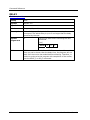
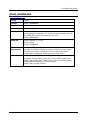
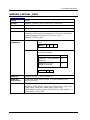
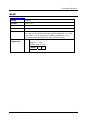
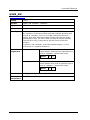
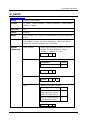
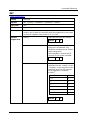
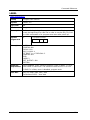
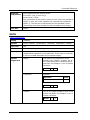
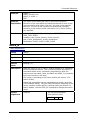
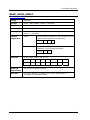
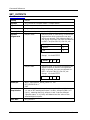
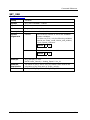
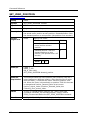
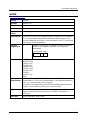
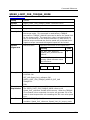
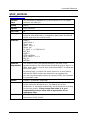
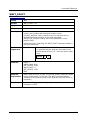
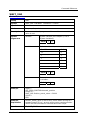
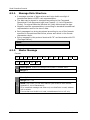
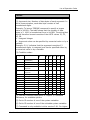
STOP_MOTION
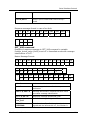
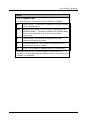
Table explanation
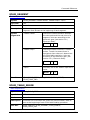
Version
Note
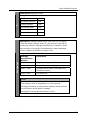
This command is available only in drive version 2.91. For higher
versions, use STOP_EX.
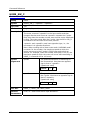
Group
Motion
Syntax
STOP_MOTION
Op. Code
99
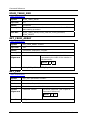
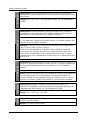
Description
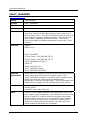
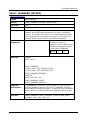
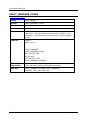
Immediately stops the motor motion (but not the program) using
the quick stop deceleration, as defined by parameters Pn2A8 and
Pn2A9, and clears the motion buffer.
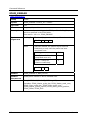
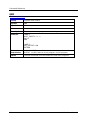
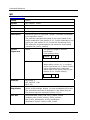
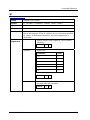
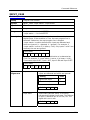
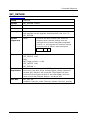
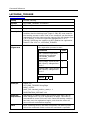
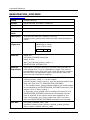
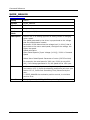
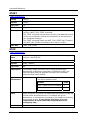
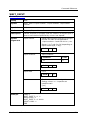
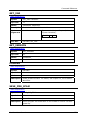
Example
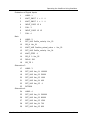
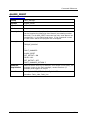
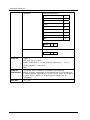
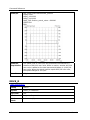
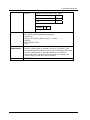
LABEL 1
MOVE 3600 -1
DELAY 100
MOVE -3600 -1
DELAY 100
IF_INPUT 1 = 1 THEN CALL 2
GO_TO 1
LABEL 2
STOP_MOTION
WAIT_INPUT 1 = 0 –1
GO_D 0
RETURN
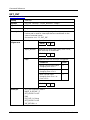
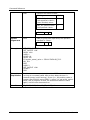
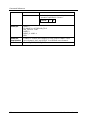
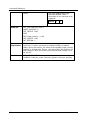
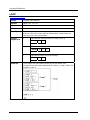
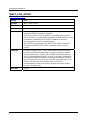
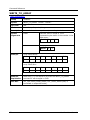
Example
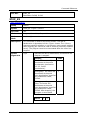
Explanation
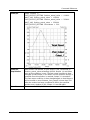
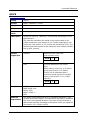
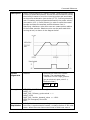
Two motions (one in the positive direction, the other in the
opposite direction) are continuously executed as long as Input 1 is
false. When Input 1 is set to true, subroutine LABEL 2 is called and
the motion stops.
By setting Input 1 to false, the motor returns to its zero position
and the two MOVE motions are executed in an endless loop.
You can stop the program simply by using the STOP_EX command
in immediate mode.
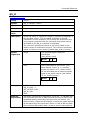
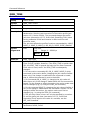
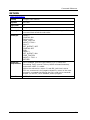
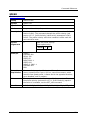
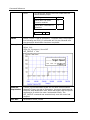
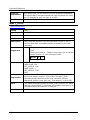
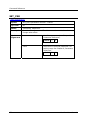
Modes
Program, Immediate, Sequential
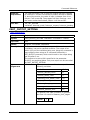
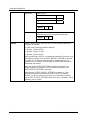
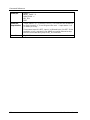
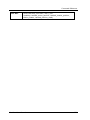
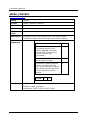
Note
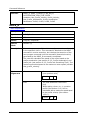
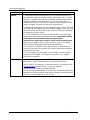
When using this command, the deceleration parameters Pn2A8 and
Pn2A9 cannot be defined as zero. The default rate of this
deceleration is calculated automatically by the XtraDrive according
to the motor torque. If you change this value, it is your
responsibility to set a value that is appropriate for an
emergency stop.
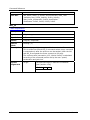
See Also
STOP_EX
Parameters Pn2A8, Pn2A9
XtraWare User Manual
161