1
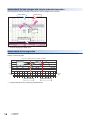
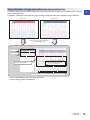
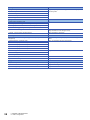
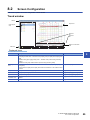
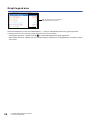
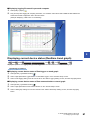
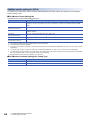
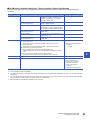
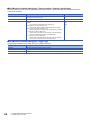
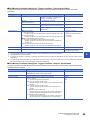
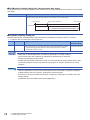
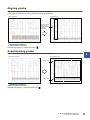
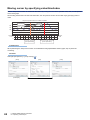
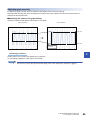
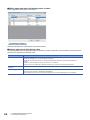
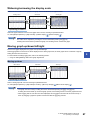
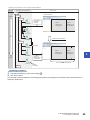
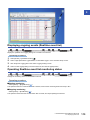
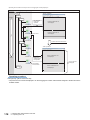
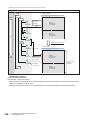
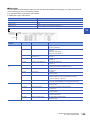
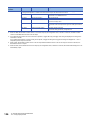
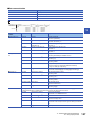
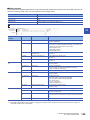
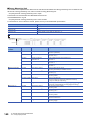
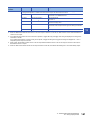
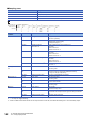
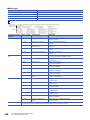
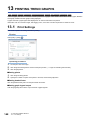
Graph legend area Data value/status at the cursor displayed as a standard (vertical red cursor line) Data names displayed in the list can be added/deleted. (Page 75 Adding/deleting data to/from graph legend area) The background color, color and type of graph line, and font size can be changed. • Select [Graph Operation] [Graph Legends] ( ) to switch displaying/hiding the graph legend area. • Select [Graph Operation] [Adjust Font Size of Graph Legends] [Expansion Font Size]/[Reduction Font Size] to change the font size. 56 8 USING TREND GRAPH FUNCTION 8.2 Screen Configuration