1
Using Specialized Scanning Tools
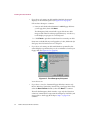
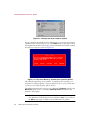
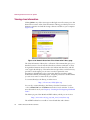
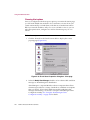
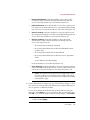
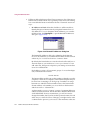
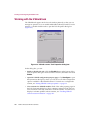
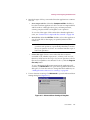
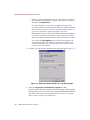
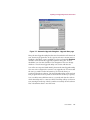
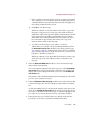
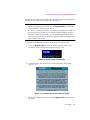
By default, the E-Mail Scan extension examines all of the mail messages
stored in your mailbox on the Exchange mail server, looking for
messages and attachments susceptible to virus infection. If you have a
large number of messages stored there that you have not yet
downloaded, this scan operation can take a long time.
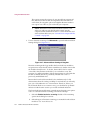
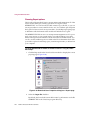
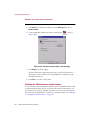
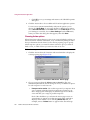
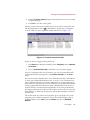
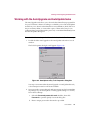
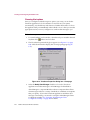
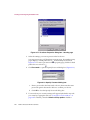
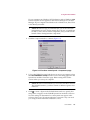
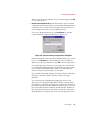
To pause the operation, click
resume the operation, click
. To stop it altogether, click
. To
.
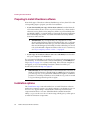
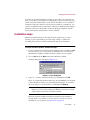
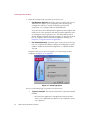
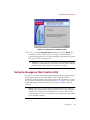
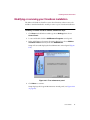
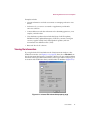
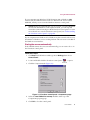
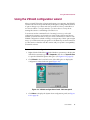
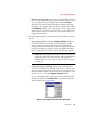
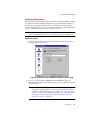
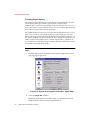
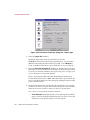
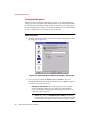
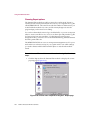
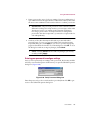
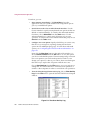
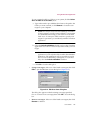
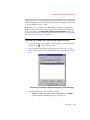
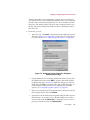
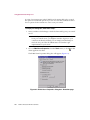
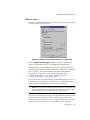
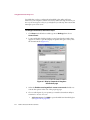
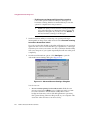
Figure 8-1. E-Mail Scan extension at work
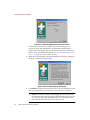
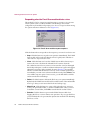
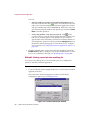
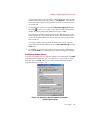
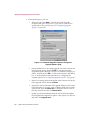
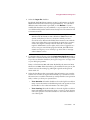
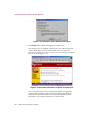
If it finds an infected file, the E-Mail Scan extension will ask you how to
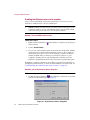
respond to the virus. See “Responding when the E-Mail Scan extension
detects a virus” on page 74 for details.
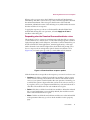
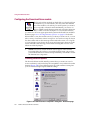
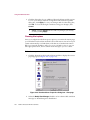
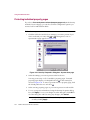
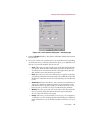
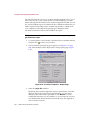
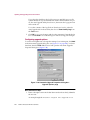
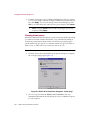
Configuring the E-Mail Scan extension
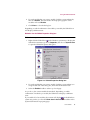
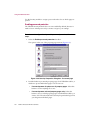
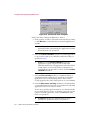
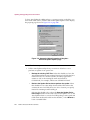
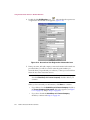
The E-Mail Scan extension comes set to protect your system in most situations
and against most likely hostile agents that arrive via e-mail. You can change
the configuration options for the extension so that they better suit your own
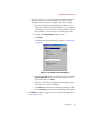
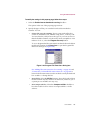
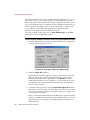
work environment, however. To change your settings, you must tell the
E-Mail Scan extension:
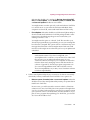
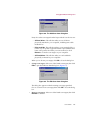
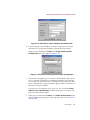
• what you want it to scan
• what you want it to do if it finds a virus
• how it should let you know when it finds a virus
• whether you want it to keep track of its actions
User’s Guide
259