1
PhatNotes 5 User’s Guide
Desktop PC Features
PhatNotes Reminder Utility
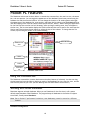
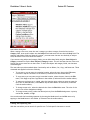
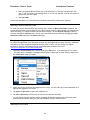
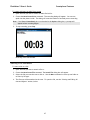
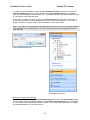
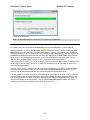
PhatNotes Reminder Utility is a program which handles user reminders. This program must be running
to process user reminder. You can choose to run this program when Windows boots, only while
PhatNotes is running, or start it manually. Depending of the options, when reminder goes off, the
PhatNotes Reminder dialog box can be displayed, a sound can be played, a bell icon in the tray bar can
be animated, and PhatNotes can be launched.
Reminder Options
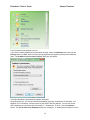
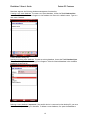
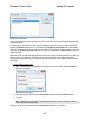
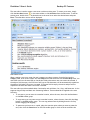
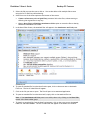
You can set and change the reminder options two ways:
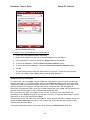
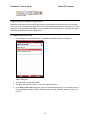
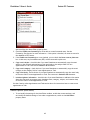
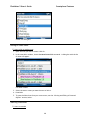
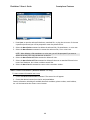
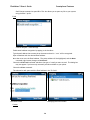
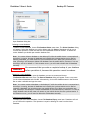
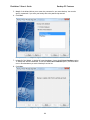
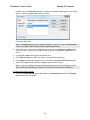
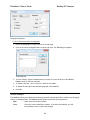
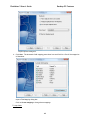
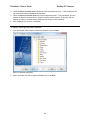
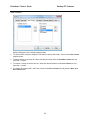
1. While in the Note Editor, click the Reminder button in the Insert toolbar group. The Reminder
dialog box will appear (see Inserting Reminders, above). Click on the Options button. The
Reminder Options dialog appears.
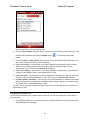
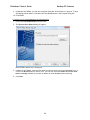
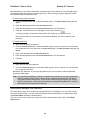
- or 1. If the Notes Reminder bell icon is visible from the tray on the Windows Taskbar, double click
on it to bring up the Reminder Options dialog.
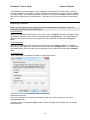
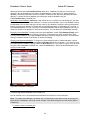
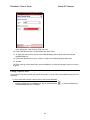
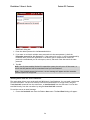
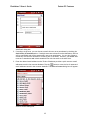
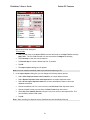
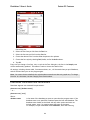
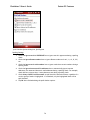
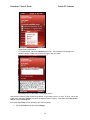
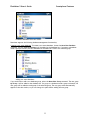
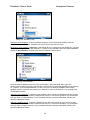
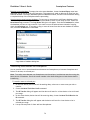
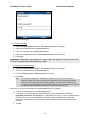
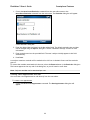
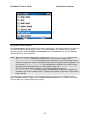
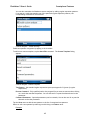
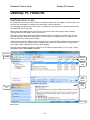
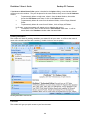
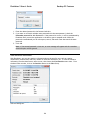
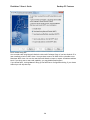
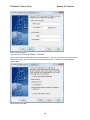
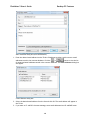
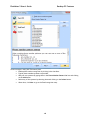
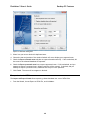
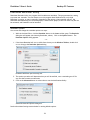
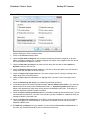
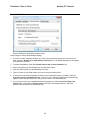
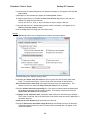
PhatNotes Reminder Options dialog box.
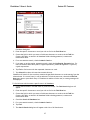
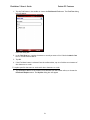
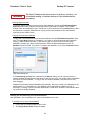
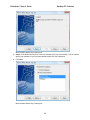
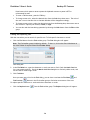
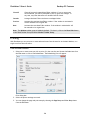
2. The options you select will determine how you will be notified, once a reminder goes off for
any note that contains a notification
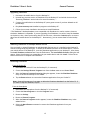
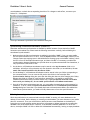
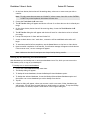
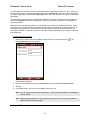
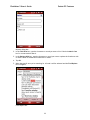
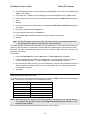
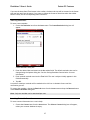
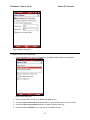
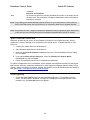
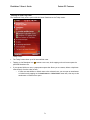
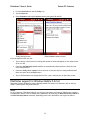
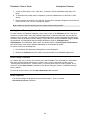
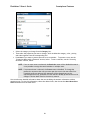
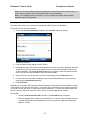
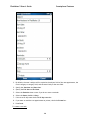
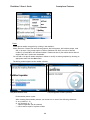
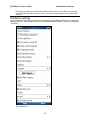
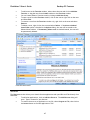
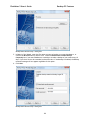
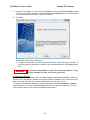
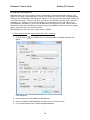
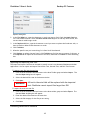
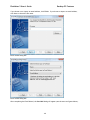
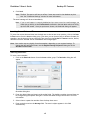
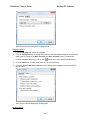
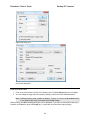
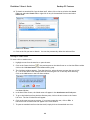
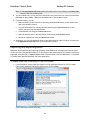
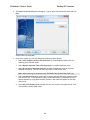
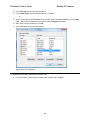
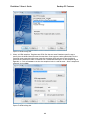
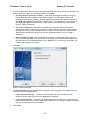
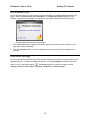
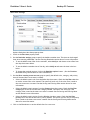
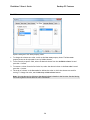
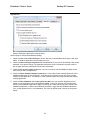
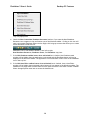
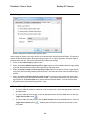
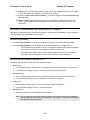
3. Click on the Advanced button to select when to run the Notifications Utility.
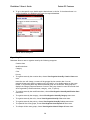
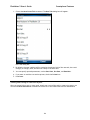
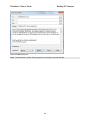
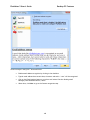
Advanced Reminder Options dialog box.
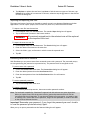
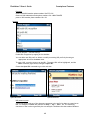
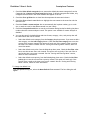
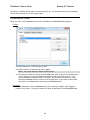
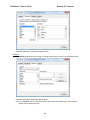
See the New Notes Settings section below for setting default options.
171