1
Labor Organization File Number - Item 1
Labor Organization File Number - Item 1
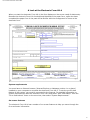
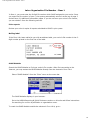
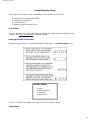
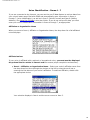
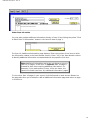
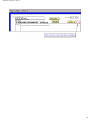
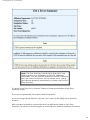
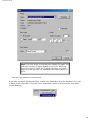
In Item 1, you must enter the 6-digit file number which OLMS assigned to your union. Once
you enter the file number in Item 1, the system automatically enters it at the top of page 2
and all Item 19, Additional Information pages. If you do not know your union’s file number,
you can obtain it from the following sources.
Prior reports
Review your union’s copies of reports submitted to OLMS in prior years.
Mailing label
If the Form LM-4 was mailed to you with an address label, your union’s file number is the 6digit number printed on the first line of the label.
OLMS Website
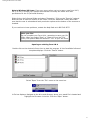
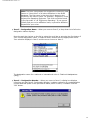
Search the OLMS Website to find your union's file number. After first connecting to the
Internet, you may access the OLMS Website directly from the electronic Form LM-4.
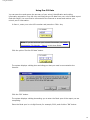
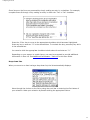
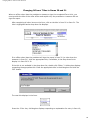
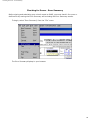
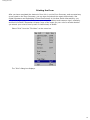
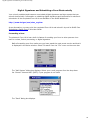
Select "OLMS Website" from the "Goto" menu on the menu bar.
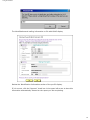
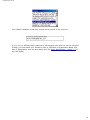
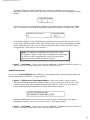
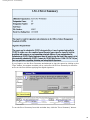
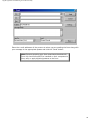
The OLMS Website displays in your browser.
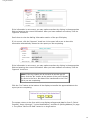
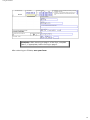
Go to the LMRDA Reporting & Public Disclosure section on this site and follow instructions
for searching for a union by affiliation or organization name.
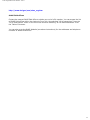
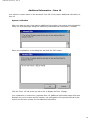
To reach the OLMS Website outside the electronic Form LM-4, go to:
10