1
Libria User Manual
View Documents
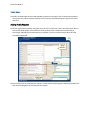
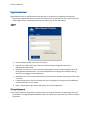
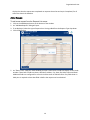
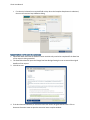
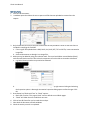
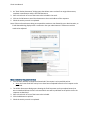
1. Click on View Documents to view the documents.
2. Click on the Close button when finished reviewing.
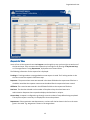
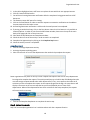
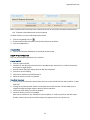
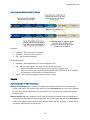
When the required activities for the final step in the fulfillment process has been completed, the
Complete Request button displays.
Complete Step
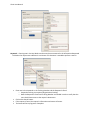
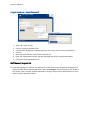
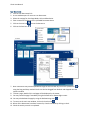
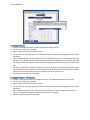
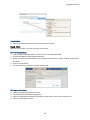
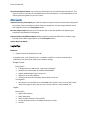
1. Click on the Complete Step button to complete the entire step.
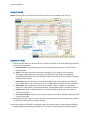
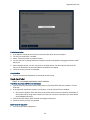
2. A Request Completed dialog opens stating that the request is now closed.
3. Click on either the Back to List or Close button. Back to List will return the user to the Request List
window. The Close button will close the dialog and remain on the current request.
The request will be set as Completed.