1
Libria User Manual
Public User
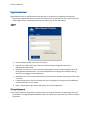
The public intake window can be made available to guest users through a link on the business website.
Guest users may submit requests and search for previously submitted requests using Libria's public
interface.
Adding Public Request
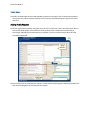
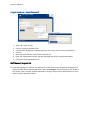
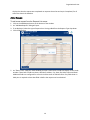
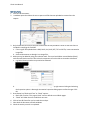
From your organization's website, the guest user can click on the link to Libria. Have them enter data in
the text box fields and/or select data from the drop down fields. Fields where the label has an
asterisk are required to have data entered or selected. Click on the Submit button when all fields
have been completed.
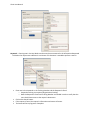
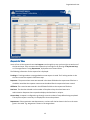
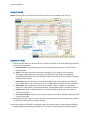
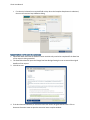
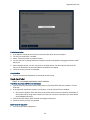
Once the public user has submitted the request, a confirmation window appears displaying the data that
was entered along with the Tracking # of the request.