1
SPH-D600.book Page 130 Thursday, June 9, 2011 10:33 AM
Note: Due to different specifications and features of other
Bluetooth-compatible devices, display and operations
may be different, and functions such as transfer or
exchange may not be possible with all Bluetoothcompatible devices.
Note: Disconnections are manually done but often occur
automatically if the paired device goes out of range of
your Conquer 4G or it is powered off.
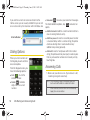
Sending Contacts via Bluetooth
Note: Pairing between two Bluetooth devices is a one-time
process. Once a pairing has been created, the devices
will continue to recognize their partnership and
exchange information without having to re-enter a
passcode again.
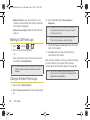
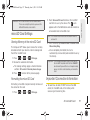
To disconnect a paired device:
Disconnecting a paired device breaks the connection
between the device and your Conquer 4G, but retains
the knowledge of the pairing. At a later point when you
wish to reconnect the device, there is no need to setup
the connection information again.
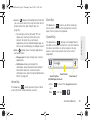
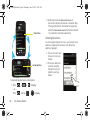
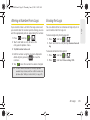
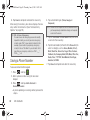
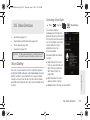
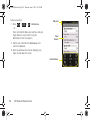
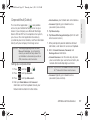
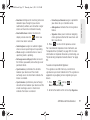
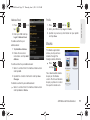
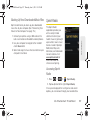
1. Verify your Bluetooth is active.
2. From the Bluetooth settings page, touch and hold
the name of the previously paired device.
3. Tap Unpair to confirm disconnection.
130
2J. Bluetooth
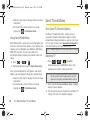
Depending on your paired devices’ settings and
capabilities, you may be able to send pictures,
Contacts information, or other items using a Bluetooth
connection.
Note: Prior to using this feature, Bluetooth must first be
enabled, and the recipient’s device must be visible.
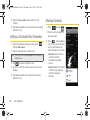
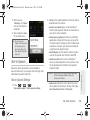
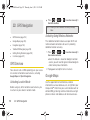
In addition to Contact’s information, other file types
(video, image, or audio) can be sent using Bluetooth.
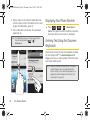
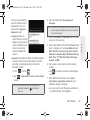
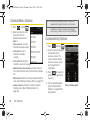
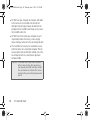
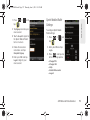
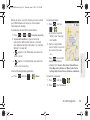
Note: If no devices are detected, tap Scan devices to begin a
new search.
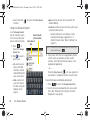
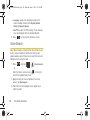
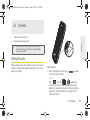
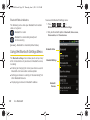
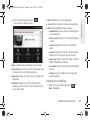
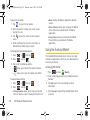
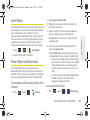
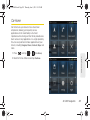
1. Press
and tap
>
.