1
SPH-D600.book Page 120 Thursday, June 9, 2011 10:33 AM
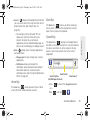
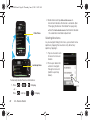
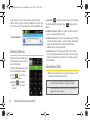
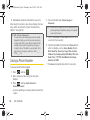
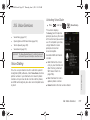
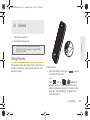
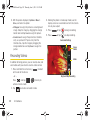
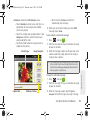
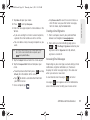
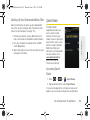
2. Holding the phone in landscape mode, use the
●
display screen as a viewfinder and aim the camera
lens at your subject.
3. Press
or tap
until the shutter sounds.
(Your device automatically saves the picture to the
DCIM folder on the microSD card.)
●
Camera Settings
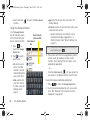
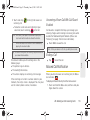
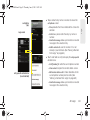
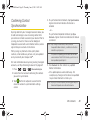
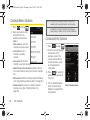
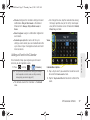
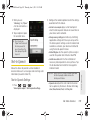
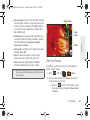
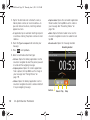
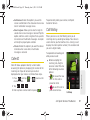
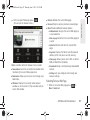
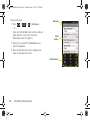
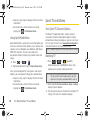
To adjust camera settings, touch the camera’s panel on
the right side and select from the following:
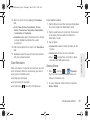
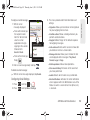
䡲 Camera settings to access camera hardware
settings:
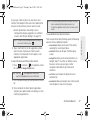
● Focus mode to force the camera to focus on a
specific area on the display, even if it's not in
the center of the frame. Choose from Auto
(default), or Macro.
● Exposure mode to adjust the overall image
brightness. Use the onscreen slider to adjust
the value. Choose from +2, +1, 0 (default), -1,
or -2.
120
2I. Camera
●
●
●
●
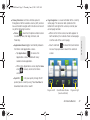
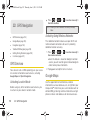
Scene Mode to select a camera setting for
better image capture depending upon the
brightness, location, subject, or angle. Choose
from: Auto (default), Portrait, Landscape, Night,
Beach, Sunset, Fireworks, Sports, Party,
Candlelight, Against Light, Dawn, or Text.
Picture Size to set the size of your image.
Choose from: 3M Pixels (default), 2M Pixels,
1.3M Pixels, or VGA .
Picture quality to set the image quality for your
image. Choose from: Superfine (default), Fine,
or Normal.
Color effect to apply different color effects onto
images. Choose from: None (default), Mono,
Sepia, Negative, or Sketch.
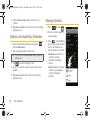
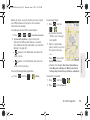
Select Auto Exposure Mode to set which
information within the scene is used to
calculate the exposure value. Choose from:
Frame Average, Center Weighted (default), or
Spot Metering.
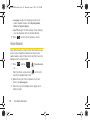
Camera settings to restore the settings to the
default parameters.