1
SPH-D600.book Page 21 Thursday, June 9, 2011 10:33 AM
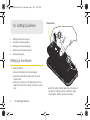
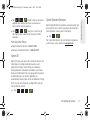
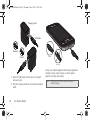
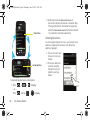
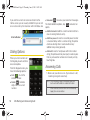
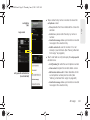
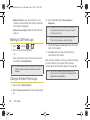
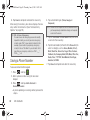
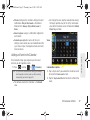
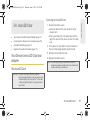
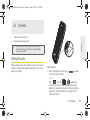
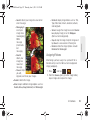
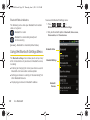
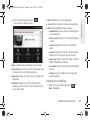
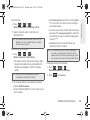
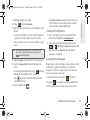
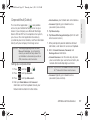
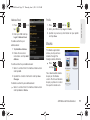
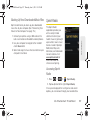
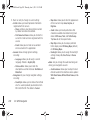
2. Grasp the device firmly, locate the cover release
latch, and then place your fingernail in the opening
and firmly “pop” the cover off the device.
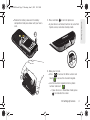
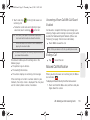
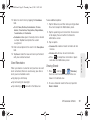
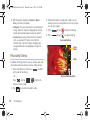
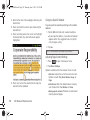
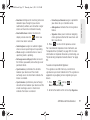
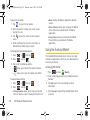
3. Carefully remove the battery from the device.
WARNING: Do not handle a damaged or leaking Li-Ion
Device Basics
battery as you can be burned.
Release Latch
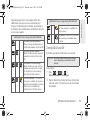
Charging the Battery
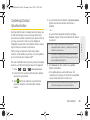
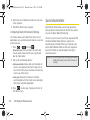
Keeping track of your battery’s charge is important. If
your battery level becomes too low, your device
automatically turns off, and you will lose any
information you were just working on.
Note: Although the battery comes partially charged, it is
recommended you fully charge the battery before
using your device for the first time.
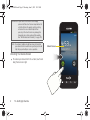
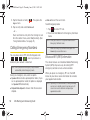
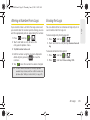
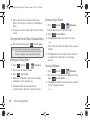
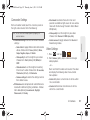
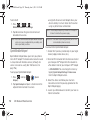
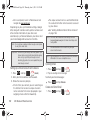
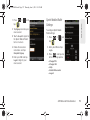
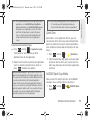
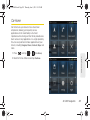
1. Connect the USB cable to the charging head.
2A. Device Basics
21