1
SPH-D600.book Page 53 Thursday, June 9, 2011 10:33 AM
Making Calls
⽧
Making Calls (page 53)
⽧
Dialing Options (page 54)
⽧
Answering Calls (page 54)
⽧
Missed Call Notification (page 55)
⽧
Calling Emergency Numbers (page 56)
⽧
In-Call Options (page 57)
⽧
Additional Calling Options (page 58)
⽧
Saving a Phone Number (page 58)
⽧
Finding a Phone Number (page 59)
⽧
Dialing From the Contacts List (page 59)
⽧
Speed Dialing (page 60)
⽧
Plus (+) Code Dialing (page 60)
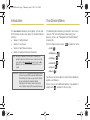
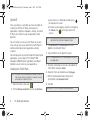
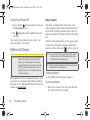
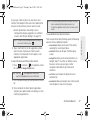
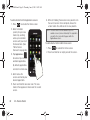
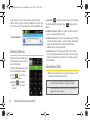
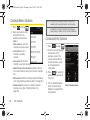
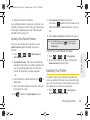
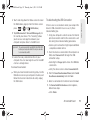
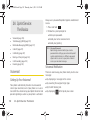
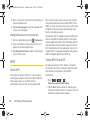
1. Press
and then tap
.
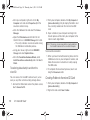
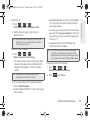
2. Enter a phone number using the onscreen keypad
and tap
䡲
.
If you make a mistake while dialing, touch
to erase the numbers.
3. Tap
when finished.
End
Tip: To redial a recent number, press
, tap a number from
the Call Log list, and press Call.
You can also place calls from your device by speed
dialing numbers from your Contacts (page 60) and
using your Logs listings (page 81).
2B. Making and Answering Calls
Calls
2B. Making and Answering
Calls
53