1
FGR Wireless Data Transceivers
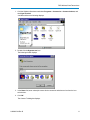
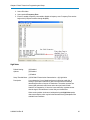
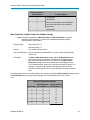
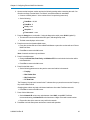
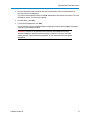
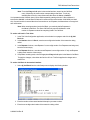
3. From the drop-down menu in the Networks section of the ribbon, select the serial network for
which you want to run diagnostics.
If you do not have a network defined, click Add and follow the instructions in the wizard. For more
information, see the Tool Suite User's Manual.
4. From the ribbon, click Start.
5. To stop running diagnostics, click Stop.
If you move away from the Network Diagnostics application without selecting Stop, the program
continues to poll for diagnostic data.
Important: Tool Suite is not optimized for the collection and management of large
amounts of diagnostic data from continuous polling. Collection of excessive amounts
of data results in overall performance degradation in Tool Suite and network throughput
degradation.
LUM0047AA Rev B
57