1
Set Up a Temperature Control System
Chapter 1
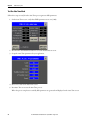
Follow these steps to select a RTD-type temperature sensor for your Controller-based Temperature Control Application
Building Block project.
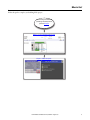
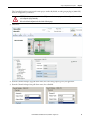
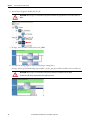
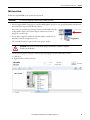
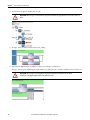
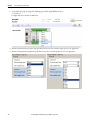
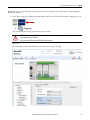
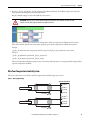
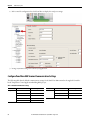
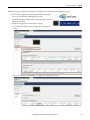
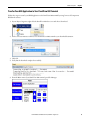
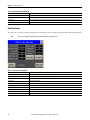
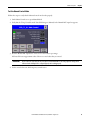
1. In your Project Organizer, double-click the Micro800 controller icon to launch the controller configuration screen.
The Controller Detail view appears in the main project window.
ATTENTION: When a project is created with the CCAT generation function, no plug-in module is configured. You must add
and configure the plug-in manually.
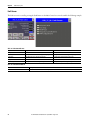
Refer to the default configuration described in the following steps.
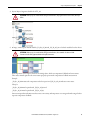
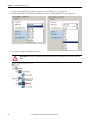
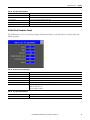
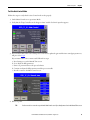
2. Click slot 2.
The default plug-in module (2080-RTD2) for slot 2 does not need to be changed.
Rockwell Automation Publication CC-QS028C-EN-P - August 2015
21