1
1 GETTING STARTED WITH SYSWIN
Configuring the SYSWIN
Environment
SYSWIN is supplied with default settings that are suitable
for the first time user and there is no requirement for these
to be changed when starting the system. These are global
settings and apply to all projects. These settings, for the
Drawing, Window, Editing and Options, are listed in
Configuring the Environment chapter where all the options
are described. All settings may be viewed by selecting
Preferences from the Menu Bar and selecting the
appropriate item.
Project Preferences, which are local settings for each
project, are discussed in the Working with PLC Projects
chapter and are detailed in the Advanced Projects chapter.
SYSWIN Help System
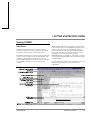
SYSWIN comes with a detailed context-sensitive help
system. At any time while using the software, you can get
help on the particular point at which you are working, or on
general aspects of SYSWIN. This system is intended to
complement the manual, by providing online reference to
specific functions of the software and how to use them. The
manual is designed to provide more tutorial information and
discuss the various facilities offered by SYSWIN.
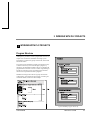
Three levels of help are provided in the software: General
Help, for dialogs, messages and menus; Quick Reference,
for programming reference; Instant Help, providing brief
descriptions of commonly used commands.
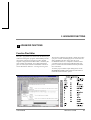
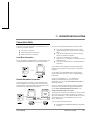
= GENERAL HELP
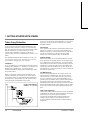
General help is obtained by pressing the F1 key or by
selecting an option from the Help menu. This provides
descriptive help on SYSWIN menus and dialogs, as well as
guidance on messages. It can be used at any point in the
software, to take you straight to the topic on which you need
help. The Help menu can be accessed from the main screen
editors, and is best used when you are browsing for help on
the use of SYSWIN.
+
= QUICK REFERENCE
Detailed help on programming elements - functions, timers
and counters, editing and function selection dialogs - can be
obtained by pressing Ctrl+F1 while the desired element is
highlighted. This is termed Quick Reference, since it
displays a summary of the necessary programming
information for any specific item.
If there is not a valid instruction highlighted then Quick
Reference starts up on the contents page and allows you to
click on any item to have help information displayed.
In the Statement List Editor Ctrl+F1 can also be used in the
same way if you place the cursor over an instruction.
1-10
User Manual
OMRON SYSWIN