1
Switchvox
The Admin Suite: PBX Features
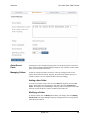
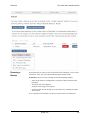
Deleting a Folder
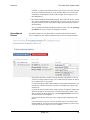
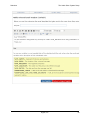
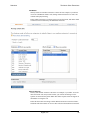
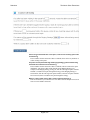
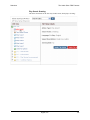
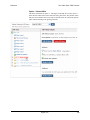
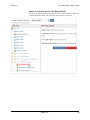
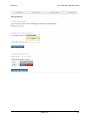
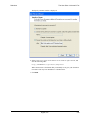
To delete a folder, select its Delete button. Be sure that you do indeed want to delete
this folder and all of the sounds in it, then click Yes, Delete Folder. The folder and all
sounds in it are permanently removed, and the Sound Manager page is displayed with
a message that the folder has been deleted.
Managing
Languages
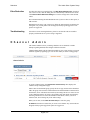
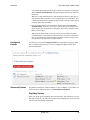
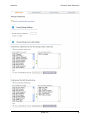
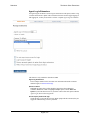
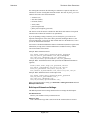
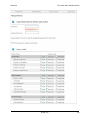
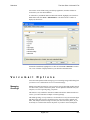
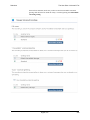
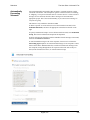
Switchvox supports multiple languages. Each sound in the Sound Manager can be
uploaded or recorded in all the available languages. Your sounds ‘hi,’ ‘hola,’ and
‘ciao’ sounds are grouped together, because they say the same thing to the caller.
The pre-configured default language is English, and there is a set of system files
tagged English.
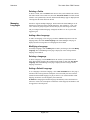
Adding a New Language
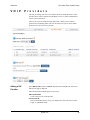
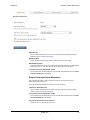
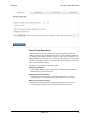
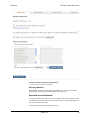
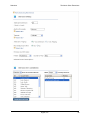
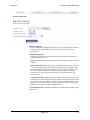
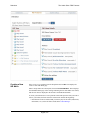
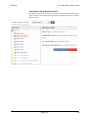
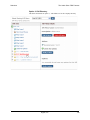
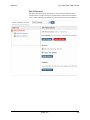
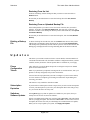
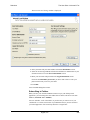
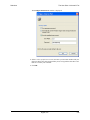
To add a new language, select Language from the Add New dropdown. Enter the
language name, then click Create Language. The Sound Manager main page is
displayed, with a message that a new language has been added.
Modifying a Language
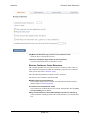
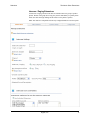
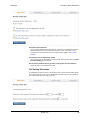
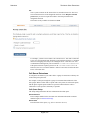
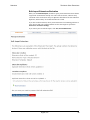
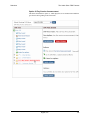
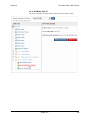
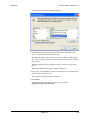
To modify a language, click its Modify button. Make your changes, then click Modify
Language. The Sound Manager main page is displayed, with a message that the
language was modified.
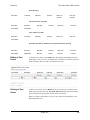
Deleting a Language
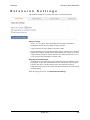
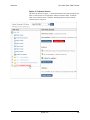
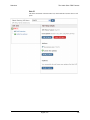
To delete a language, click its Delete button. Be sure that you do indeed want to
delete this language and all of the sounds associated with it, then click Yes, Delete
Language. The Sound Manager main page is displayed with a message that the
language was deleted.
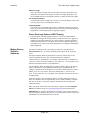
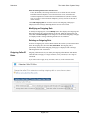
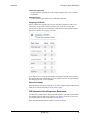
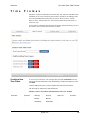
Setting a Default Language
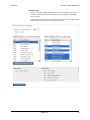
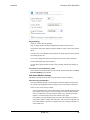
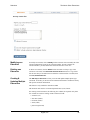
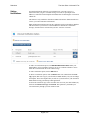
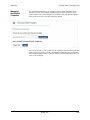
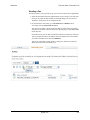
To set a language as the delete language, click its Set as Default button. The page is
refreshed with a message that the sound pack was successfully activated. Now the
sounds labeled with that language are played. If there is no sound available in that
language, Switchvox uses the English system sound-file.
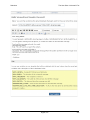
WARNING: Changing the Default Language automatically causes the Switchvox
software to restart. All current phone connections will be dropped, and members will
be logged out of all call queues.
Digium, Inc.
142