1
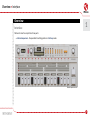
Drum line editing • Length of the pattern
Length of the pattern
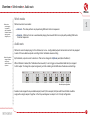
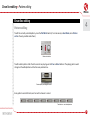
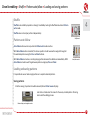
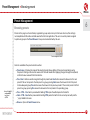
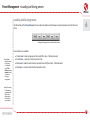
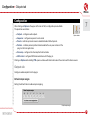
The length of the pattern’s part can be set to a maximum of 16 steps. It can be changed using Length function. Whilst
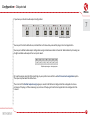
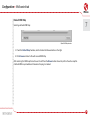
in Pattern write mode, press the Patt.Len button – this will light up the LED’s above:
4
Pattern edit functions
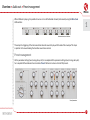
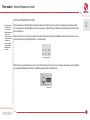
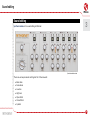
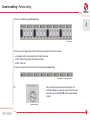
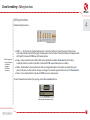
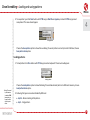
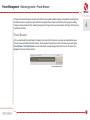
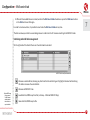
LED’s in a Pattern length section indicate the number of steps in the pattern:
Pattern length indicator
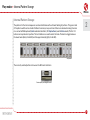
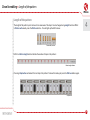
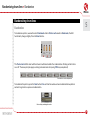
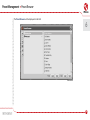
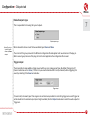
Pressing a Step button will make it the last step in the pattern. To leave this mode, just press the Patt.Len button again.
Step buttons
20