1
August 1, 2011
XVSync™
Installation Guide & User Manual
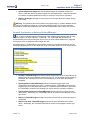
Upgrading to the Latest Version of XV Sync™
Follow the directions below to assure the latest version of XV Sync™ is installed on the
server.
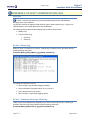
1. Launch any internet browser (Internet Explorer, Mozilla Firefox, etc.) and go to the
Apteryx website located at http://www.apteryx.com.
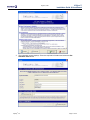
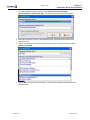
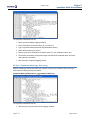
2. Navigate to the „Updates, Add Ons, and Patches‟ website by clicking on Support >
Updates > XrayVision & XV Lite.
3. Select the Component Updates & Add-Ons link.
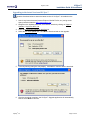
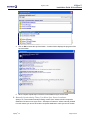
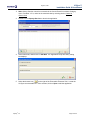
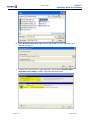
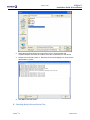
4. Select the XV Sync Updater link. Click Run to download and run the upgrade.
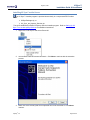
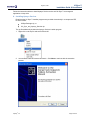
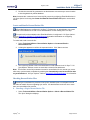
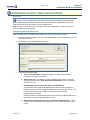
5. A security warning dialog box may display. Click Run to continue with the download.
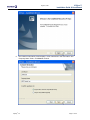
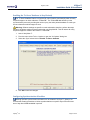
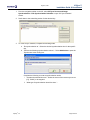
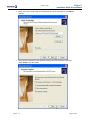
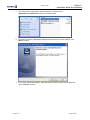
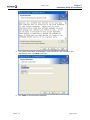
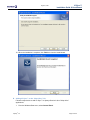
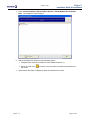
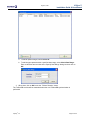
6. Once the download completes, the XV Sync™ Upgrade application will automatically
launch. Select Next to continue.
Apteryx®, Inc.
Page 14 of 59