1
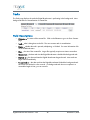
Podcast
– a digital audio file, or a series of such files, that is distributed over the Internet
using syndication feeds for playback on portable media players and personal computers.
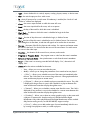
+ Plus – an action that allows the operator to schedule an event to follow an event as soon as it
ends.
Purge – to remove content from the library list, but preserve it on the Digital Broadcaster’s
database. This is less permanent than deleting content. To put purged content back on the list,
import it again.
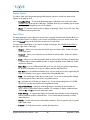
Switch Path – The route of programming as it comes from an input feed, passes through the
switch, and goes to an output channel.
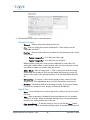
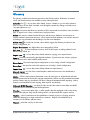
Test Icon (Accept Icon)
to a device.
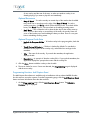
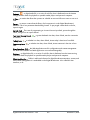
Today Icon
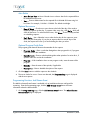
Tomorrow Icon
field.
– a green-checkmark icon that, when clicked, tests the connection
– a calendar icon that, when clicked, inserts today’s date into a form field.
– a calendar icon that, when clicked, inserts tomorrow’s date into a form
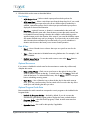
User Interface (UI) – the Web Application used for configuration and content management.
The terms User Interface and Web Application are used interchangeably.
Vodcast – a digital video file, or a series of such files, that is distributed over the Internet using
syndication feeds for playback on portable media players and personal computers.
W eb Application – TelVue’s web-based software for digital broadcast automation, content, and
video server management. It is embedded on the Digital Broadcaster. Also called the User
Interface, or UI.
Digital Broadcaster User Manual v. 3.6.5
123
December 10, 2009