1
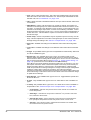
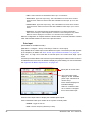
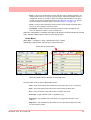
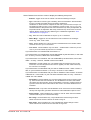
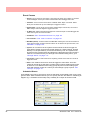
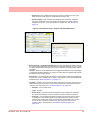
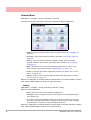
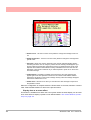
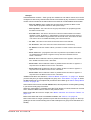
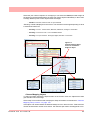
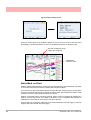
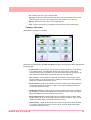
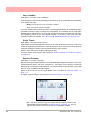
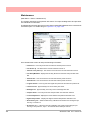
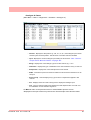
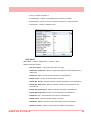
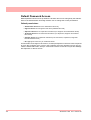
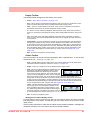
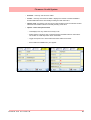
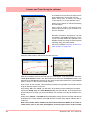
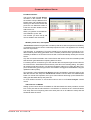
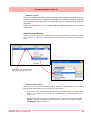
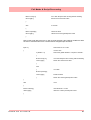
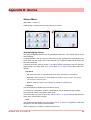
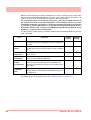
• View Archive - This will produce an archive list of all reports that have been run. Select
a report on the screen and press the display button. From this screen you have the
option to Print or Export the report. The printer settings must be configured in “Printer
Menu” on page 110. To export the report to a USB key or Compact flash card,
ensure the media is fitted to the recorder and there is enough memory available.
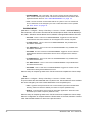
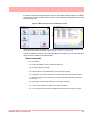
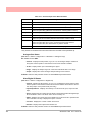
• Reset All - This action will reset all hourly, daily, weekly and monthly max/mins, totals
and averages. System max/mins and totals shall remain unaffected. A warning dialog
will appear to ask if you are sure you wish to continue.
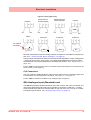
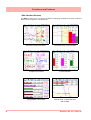
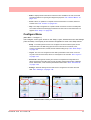
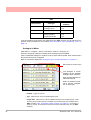
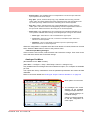
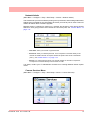
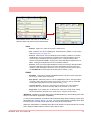
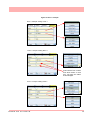
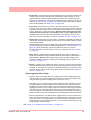
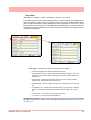
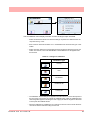
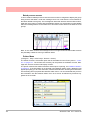
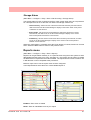
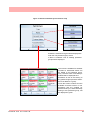
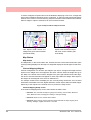
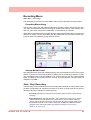
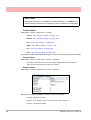
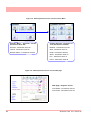
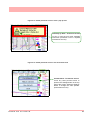
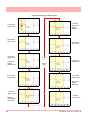
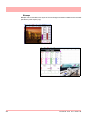
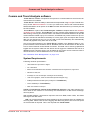
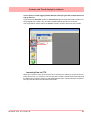
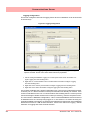
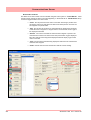
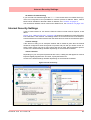
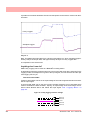
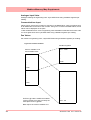
Figure 4.7 Email Report example
43-TV-25-33 GLO Iss.7 Feb 08 UK
153