1
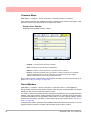
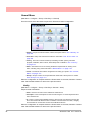
Maintenance
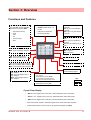
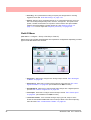
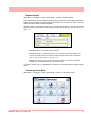
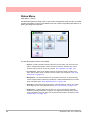
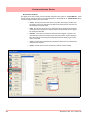
(Main Menu > Status > Maintenance)
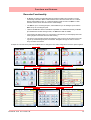
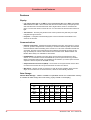
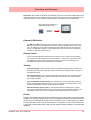
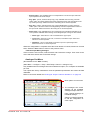
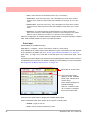
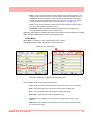
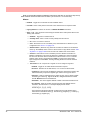
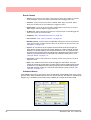
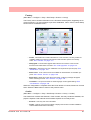
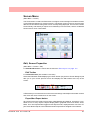
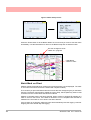
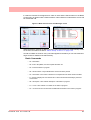
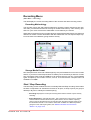
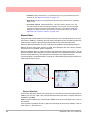
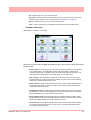
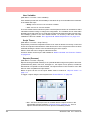
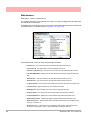
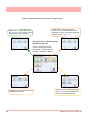
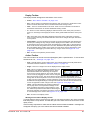
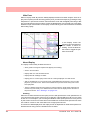
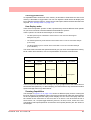
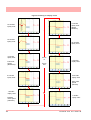
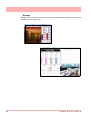
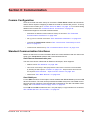
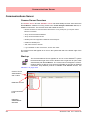
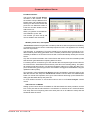
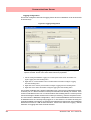
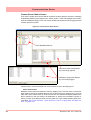
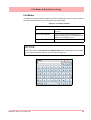
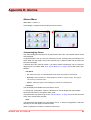
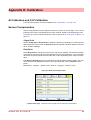
The recorder keeps track of important “life actions” for improved diagnostics and preventative maintenance notification.
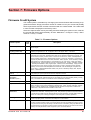
The Maintenance button will become active when Health Watch/Maintenance is selected as
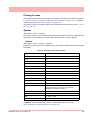
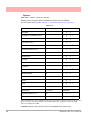
a firmware option. To enable this go to “Options” on page 156.
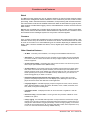
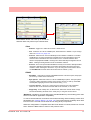
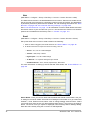
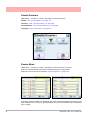
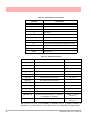
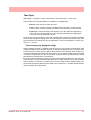
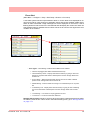
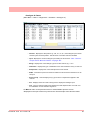
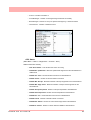
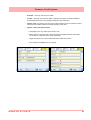
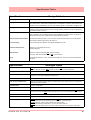
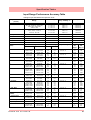
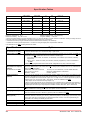
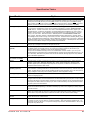
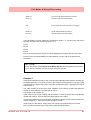
Once enabled this screen will keep the following information:
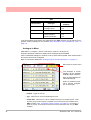
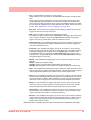
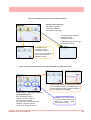
• Powered on - How many times the recorder has had the power turned on
• Last Power up - The last time the recorder had been turned on
• Time On since power up - The amount of time since the recorder was last turned on
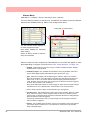
• Last Setup Modified - displays the last Day, Month and Time the setup was last modified.
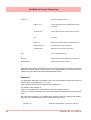
• Total On time - How much time the recorder has had the power turned on
• Total Off time - How much time the recorder has had the power turned off
• Longest Off time - How long was the longest time period the recorder was powered off
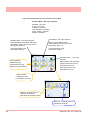
• Lithium cell life - Approximately how much battery time is left
• Backlight Life - Approximately how many hours of Back light time left
• Compact Flash - How many times the Compact Flash card has been inserted
• Lowest temperature - Displays the lowest ambient temperature detected so far
• Highest temperature - Displays the highest ambient temperature detected so far
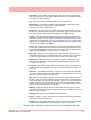
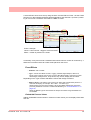
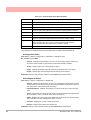
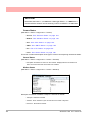
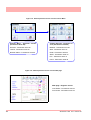
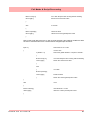
• AI last factory cal * - When the last factory calibration was made to this Analogue Input
card. Eg. in card slot A
• AI last user cal *:* - When the last user calibration was made to this Analogue Input
card. Eg in slot position A, input 1. All channels will be listed per channel.
158
43-TV-25-33 GLO Iss.7 Feb 08 UK