1
PDQuest User Guide
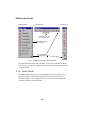
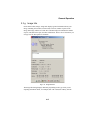
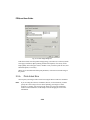
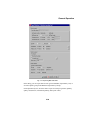
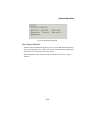
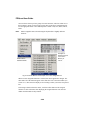
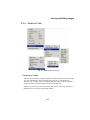
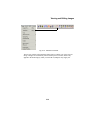
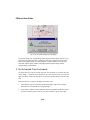
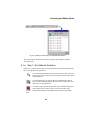
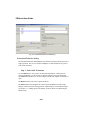
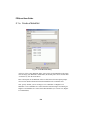
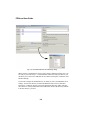
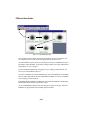
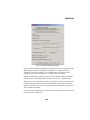
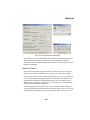
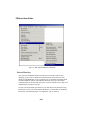
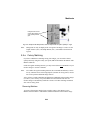
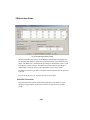
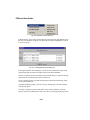
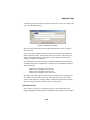
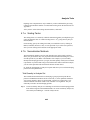
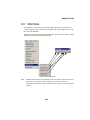
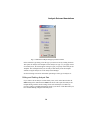
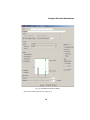
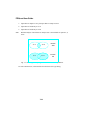
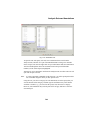
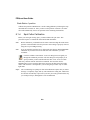
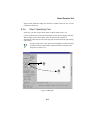
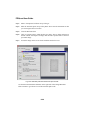
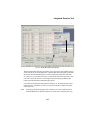
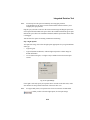
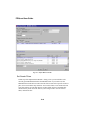
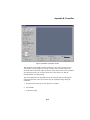
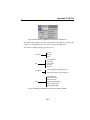
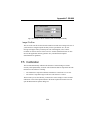
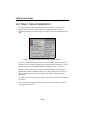
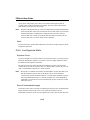
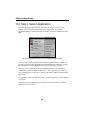
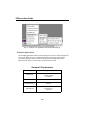
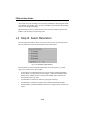
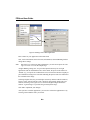
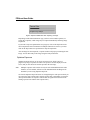
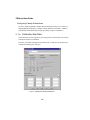
Fig. 6-6. Replicate Groups submenu.
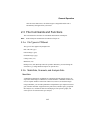
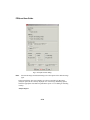
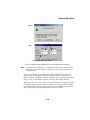
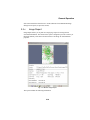
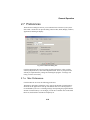
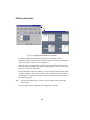
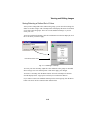
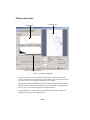
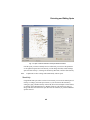
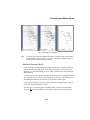
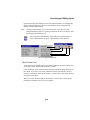
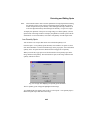
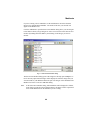
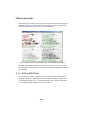
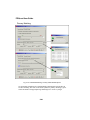
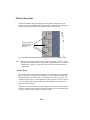
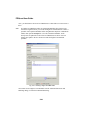
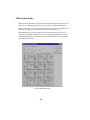
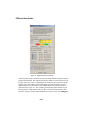
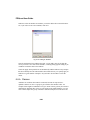
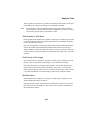
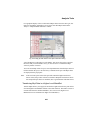
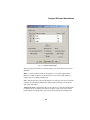
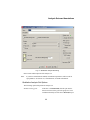
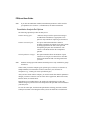
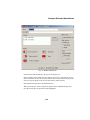
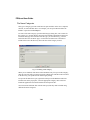
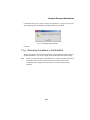
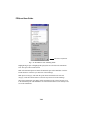
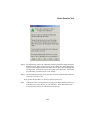
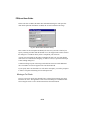
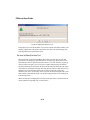
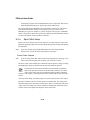
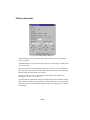
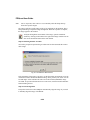
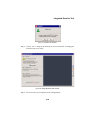
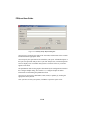
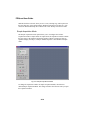
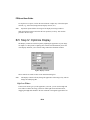
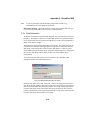
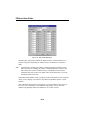
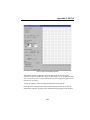
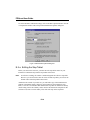
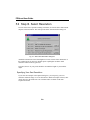
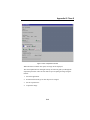
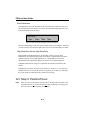
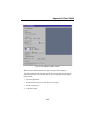
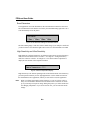
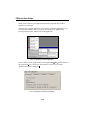
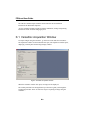
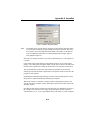
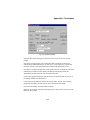
In the dialog box, enter a name for the replicate group, then click each duplicate gel in
the list to be included in the group. The gel names will appear highlighted. Click Go
to create the group.
Fig. 6-7. Create Replicate Group dialog box.
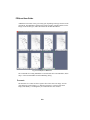
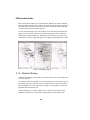
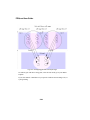
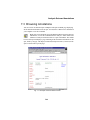
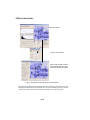
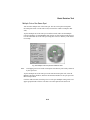
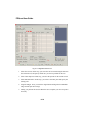
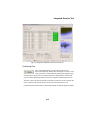
In the upper left status bar in PDQuest, you will see the total number of gels in this
group. Repeat this procedure to designate other groups in the MatchSet.
To delete a replicate group, select Delete Group from the Analyze > Replicate Groups
submenu, then select the group to delete from the list.
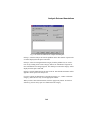
To edit a replicate group, select Edit Group from the submenu. In the dialog, add or
remove gels from the list.
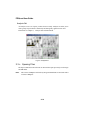
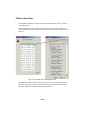
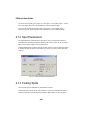
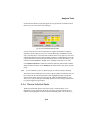
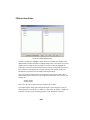
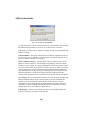
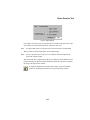
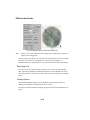
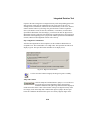
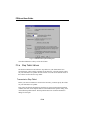
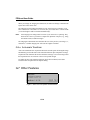
To Display Replicate groups you need to specify which groups you want to display
from the pop-up box.
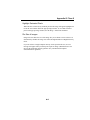
To rename a replicate group, select Rename Group from the submenu, select the
group to rename in the dialog, then enter a new name for the group in the pop-up box.
6-10