1
PDQuest User Guide
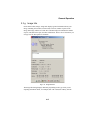
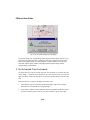
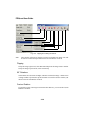
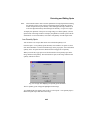
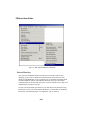
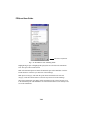
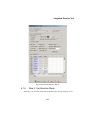
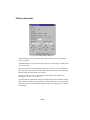
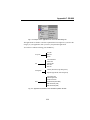
Scan Dimension
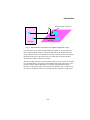
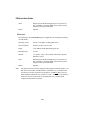
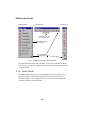
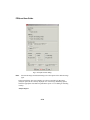
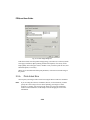
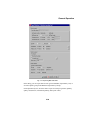
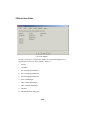
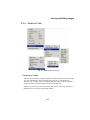
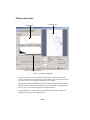
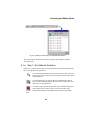
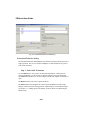
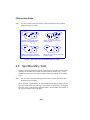
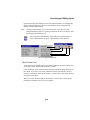
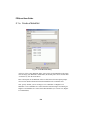
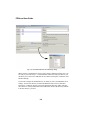
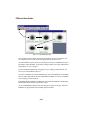
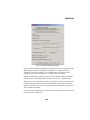
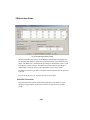
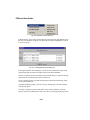
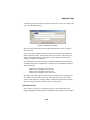
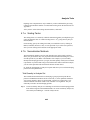
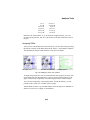
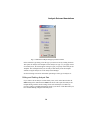
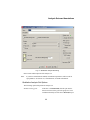
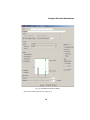
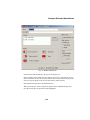
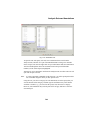
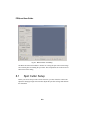
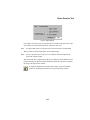
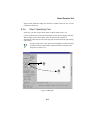
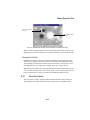
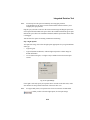
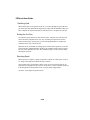
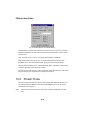
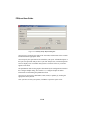
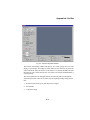
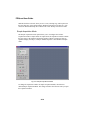
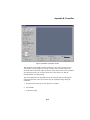
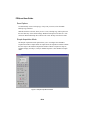
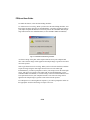
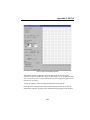
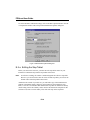
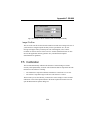
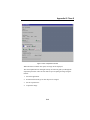
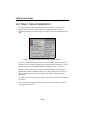
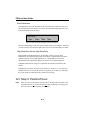
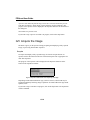
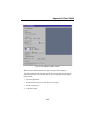
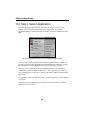
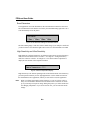
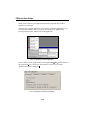
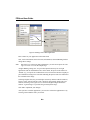
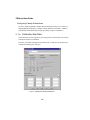
If an application uses trans illumination, the Scan Dimension buttons become active.
The scan dimension is the distance traveled by the transilluminating light source as it
scans horizontally across the platen.
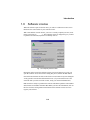
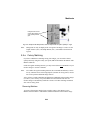
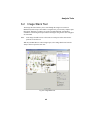
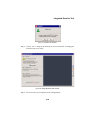
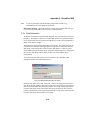
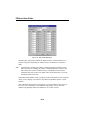
Fig.G-5. Scan dimension settings for trans illumination.
The full scanning range is 300 mm. Select a smaller range if your sample is small and
you do not want to wait while the light source travels over the maximum scan width.
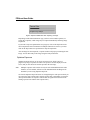
High Resolution Versus High Sensitivity
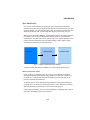
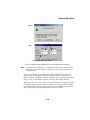
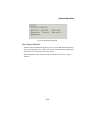
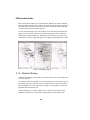
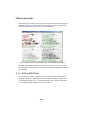
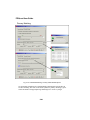
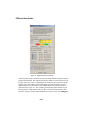
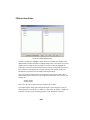
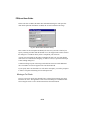
High Resolution and High Sensitivity are mutually exclusive options. High
Resolution is the normal operating mode for the Fluor-S. High Sensitivity provides
optimal sensitivity for low-light applications. It is the default selection for the
chemiluminescence application, and may be selected for a custom application.
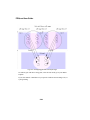
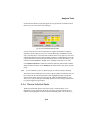
In High Resolution mode, images are captured at the maximum resolution of the
camera.
In High Sensitivity mode, the pixels in the camera are “binned” (i.e., four pixels are
combined into one) to increase the amount of signal per pixel. However, combining
the pixels results in a reduction in the resolution of the image.
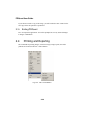
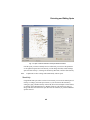
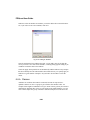
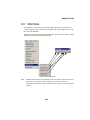
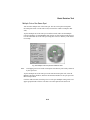
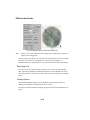
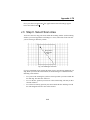
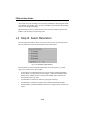
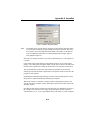
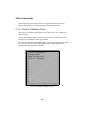
G.3 Step II. Position/Focus
Note:
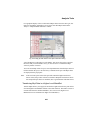
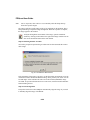
When you click on the Position or Focus button, the light inside the Fluor-S box
automatically turns on. To turn the light off while positioning or focusing, hold
down the SHIFT key when clicking on the button.
G-6