1
Introduction
Disclaimer
We shall have no liability or responsibility to customers or any other person or entity with respect to
any liability, loss or damage caused or alleged to be caused directly or indirectly by equipment sold
or furnished by us, including but not limited to, any interruption of service, loss of business or
anticipatory profits, or consequential damages resulting from the use or operation of the equipment
or software.
Prolonged Non-Use and Moving the Printer
Prolonged Non-use
If you ever leave the printer unused for a long period of time, remove the power cord from the wall
outlet.
We recommend you consult with your dealer about the additional actions you should take to avoid
possible damages that may occur when the printer is used next time.
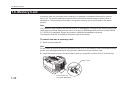
Moving the Printer
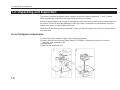
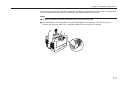
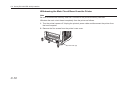
When you move the printer:
● Move it gently.
● Keep it as level as possible, to avoid spilling toner inside the printer.
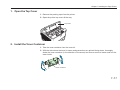
● If you ship the printer, remove the developer unit and ship it separately. Be sure to consult your
Kyocera dealer before attempting long-distance transportation of the printer.
xv