1
Apply Power
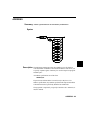
Caution
POSSIBLE DAMAGE TO TARGET SYSTEM!
The emulator power must be turned on before the target system power.
An excess amount of current may be drawn out of the target system and
the target system may be damaged if the order is reversed. Likewise,
the target system should be turned off first and then the emulator.
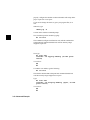
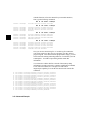
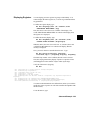
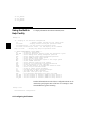
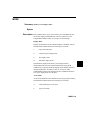
Apply power to the emulator if you haven’t already done so. After
power is applied, the following information should be displayed.
Copyright (c) Hewlett-Packard Co. 1987
All Rights Reserved. Reproduction, adaptation, or translation without prior
written permission is prohibited, except as allowed under copyright laws.
HP64700 Series Emulation System
Version:
A.03.00 13Dec90
HP64746A (PPN: 64746A) Motorola 68302 Emulator
Version:
A.00.03 24Jun91
Control:
HP64170A Memory Control Board
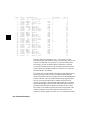
You will also see information about the amount of memory installed in
each bank on the memory control board.
If a message like the one above is not displayed, refer to the Support
Services manual.
About the Prompts
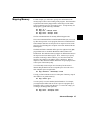
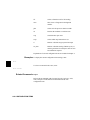
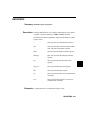
Press <RETURN> to display one of these prompts:
U> (emulator is running user code)
R> (emulation processor is reset - in normal mode)
M> (emulator is running in monitor)
Upon powerup the prompt should be R>.
2-2 Getting Started