1
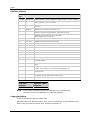
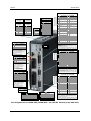
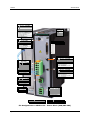
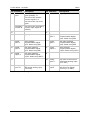
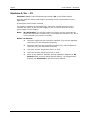
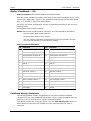
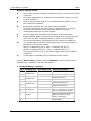
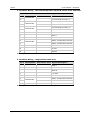
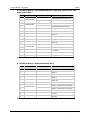
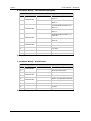
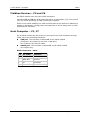
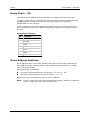
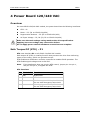
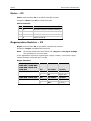
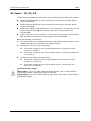
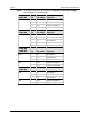
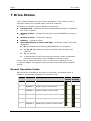
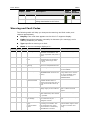
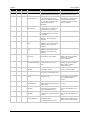
CDHD Drive Status 7 Drive Status The 7-segment display provides various indications of drive status, such as operation modes, drive enable status, and fault conditions. In general, the display uses the following conventions: Decimal point – Indicates the drive’s Enable/Disable status; if displayed, the drive is enabled. Steadily lit digit – Indicates the operation mode (OPMODE) currently in effect. Steadily lit letter – Indicates a warning. Flashing – Indicates a fault. Sequential display of letters and digits – Indicates a fault, with some exceptions: A t 1 indicates motor phasing (MOTORSETUP) is in progress. L1, L2, L3, L4 indicate the state of software and hardware limit switches. S1 is a warning. A digit flashing at half-second intervals during encoder initialization, indicates the operation mode (OPMODE) currently in effect. In the event of concurrent faults, only one fault code is displayed on the 7-segment display. The display shows the code of the fault with the highest priority. Normal Operation Codes After the drive is configured and ready for operation, the display shows a steadily lit single digit, indicating the operation mode. Display Name Description . Drive enabled 0 OPMODE 0 Serial velocity control mode 1 OPMODE 1 Analog velocity control mode 2 OPMODE 2 Serial current control mode 3 OPMODE 3 Analog current control mode 4 OPMODE 4 Master/slave gearing control mode Quick Start Guide Drive Drive Enabled Disabled 65