1
USER MANUAL: ALX-RDS - Remote Delivery System
READ ALL INSTRUCTIONS BEFORE OPERATING EQUIPMENT
Deleting Manifolds
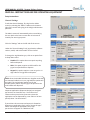
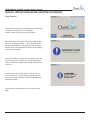
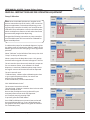
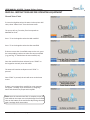
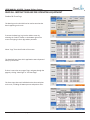
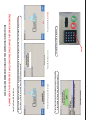
To remove the manifold from the software, go back to the
Manifolds tab, select the manifold, and click “Delete.”
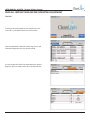
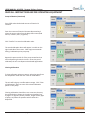
If the manifold has chemicals or destinations assigned to
it, the pump controllers and destination valves must be
moved to a different manifold in the software before the
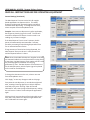
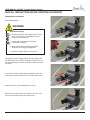
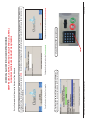
old manifold can be removed. Otherwise a screen will appear with a warning that a manifold with assigned chemicals can’t be deleted.
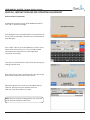
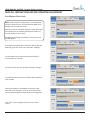
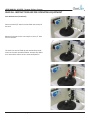
If no chemicals or destinations are setup on that manifold,
a dialog box for confirmation will appear.
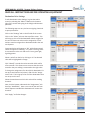
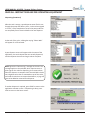
Click “Yes” to delete the manifold.
USER MANUAL (MODEL: ALX-RDS) Page 21 of 58
11/01/2014