1
PRECAUTIONS
Contents
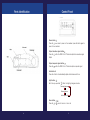
Parts Identification ........................................................ ...............4
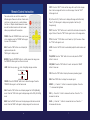
Control Panel ..............................................................................5
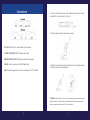
Remote Control Instruction ............................................................6
Connections................................................................................8
Installing the software .................................................................12
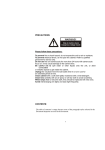
Please follow these precautions:
To prevent fire or shock hazard, do not expose the unit to rain or
moisture
To prevent electrical shock, do not open the cabinet, Refer to qualified
personal for service only
Do not use the unit continuously for more then 24 hours with camera
auto focus on. It may cause damage to the camera lens
Be careful not to spill water or other liquids onto the unit, or allow
combustible or metallic objects to get inside the cabinet
Unplug the visualiser from the wall outlet when it is not in use for an
extended period of time
Clean the cabinet with a soft cloth lightly moistened with a mild
detergent
Clean the lens carefully with an air spray or soft dry cloth to avoid
scratching
When lamps flashes or become dark, they should be replaced with
new ones
2
3