1
iVMS-4500 (iOS) Mobile Client Software
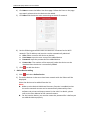
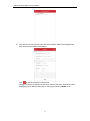
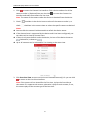
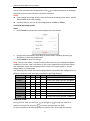
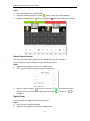
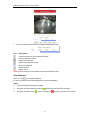
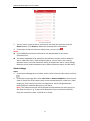
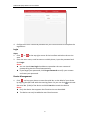
3. Click
and the selected window will be display in 1-division mode.
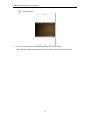
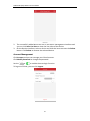
4. Spread two fingers apart to zoom in or pinch them together to zoom out the live
view. Or you can double-click on the live view image to realize digital zoom.
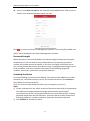
Full-Screen Live View
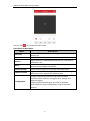
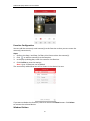
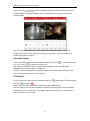
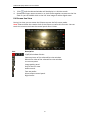
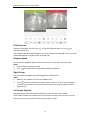
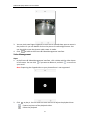
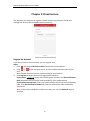
During live view, you can rotate the iPhone to enter the full-screen mode.
Note: Please release the rotation lock of the iPhone to realize this function. You can
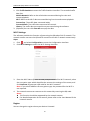
touch the screen to activate the control panel after it hides.
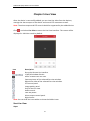
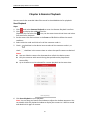
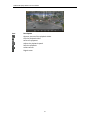
Icon
Description
1/4/9/16-window division.
Capture picture of the selected live view window.
Record the video of the selected live view window.
PTZ control panel.
Image quality panel.
Stop all the live view.
Audio control.
Two-way audio.
Alarm output control panel.
Digital zoom.
25