1
iVMS-4500 (iOS) Mobile Client Software
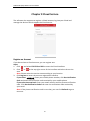
Chapter 9 Cloud Serivce
The software also supports to register a Cloud account, log into your Cloud and
manage the devices which support the Cloud service.
Register an Account
If you do not have a Cloud account, you can register one.
Steps:
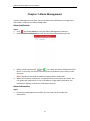
1. Click
and select EZVIZ Cloud P2P to enter the Cloud interface.
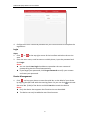
2. Click
or
at the top right corner of the interface and select the service
area.
Note: Please select the service area according to your location.
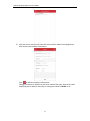
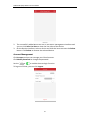
3. Click Register to enter the account registration interface.
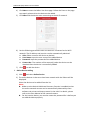
If you select 中国服务区: Enter your mobile phone number, click Get Verification
Code and enter the verification code received by your mobile phone.
If you select International: Enter your email account and the picture verification
code. Click Get Verification Code and enter the verification code received by
your email.
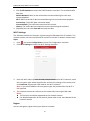
Note: If the picture verification code is not clear, you can click Refresh to get a
new one.
36