1
iVMS-4500 (iOS) Mobile Client Software
Chapter 3 Running the Software
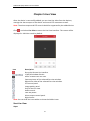
After having installed the software successfully, click
to run the software.
3.1 Region Selection
The first time you run the iVMS-4500 software, you should select the region where
your device is located. Otherwise, the live view, playback and alarm notification of
the devices will fail.
Steps:
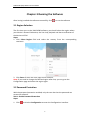
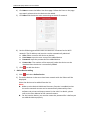
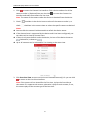
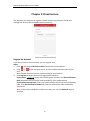
1. Click Select Region field and select the country from the corresponding
continent.
2. Click Enter to enter the main page of the software.
Note: If you need to change the selected region after that, you can go to the
Configuration page and select the region again.
3.2 Password Protection
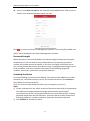
With the password protection enabled, only the user that has the password can
access the software.
Task 1: Enable Password Protection
Steps:
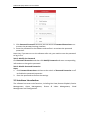
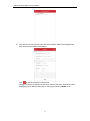
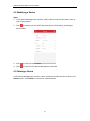
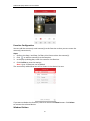
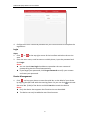
1. Click
and select Configuration to enter the Configuration interface.
6