1
Page 21
SEER-IT 2.2 Release Notes
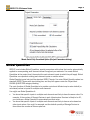
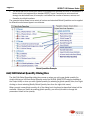
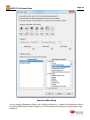
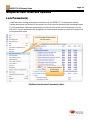
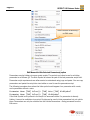
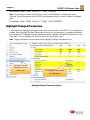
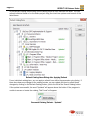
Locked parameters for
each element are
listed
Click OK to unlock all
checked parameters
Unlock Parameters
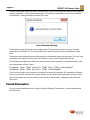
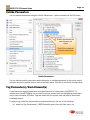
You can remove parameter locks for specific parameters, elements, or the entire project using the
check box options next to each of the listed items. Click OK to remove locks on all checked items.
Hide Parameter(s)
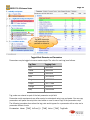
A new feature for hiding parameters is introduced in this SEER-IT 2.1 maintenance release.
Hidden parameters are saved with the project, and they may also be saved with knowledge bases.
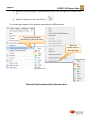
To hide parameters, select the parameter(s) to hide and then select the Hide Selected
Parameter(s)… option from the Edit menu.