1
15
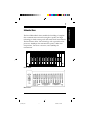
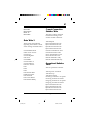
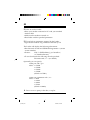
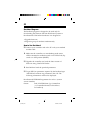
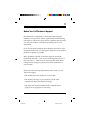
Front Panel Switches
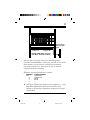
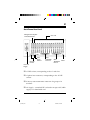
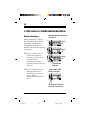
There are four toggle switches, two push-button switches and
eight dip (option) switches located on the front panel.
Toggle Switches
The toggle switches are:
RDL - Remote Digital Loopback
AL - Analog Loopback
TEST - Initiate Test Function
BUSY OUT - This switch is used to block the line, thus
preventing the modem from being called.
Push-buttons
MODE - Allows selection of a line mode or speed
while operating in Dumb mode (Originate mode only).
Repeatedly press the button to step through the
selections. The Mode LEDs will display the selection.
RESET - Resets, or restarts the modem.
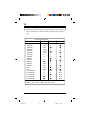
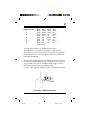
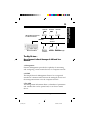
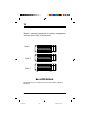
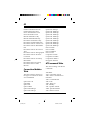
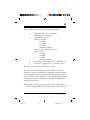
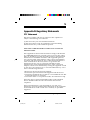
Option (Dip) Switches
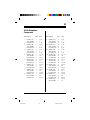
Switch
1
2
V25b1
V25b2
A ANS
Smart
Async
Ans
Left Position
—
—
V.25bis command set
V.25bis synch bitoriented operation
Auto-answer disable
Dumb mode
Synchronous mode
Originate mode
Right Position
—
—
AT command set
V.25bis synch characteroriented operation
Auto-answer enable
Smart mode
Asynchronous mode
Answer mode
1. Modem Installation
pro16rk.pm6
15
6/13/96, 3:31 PM