1
9.
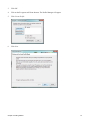
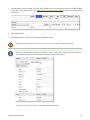
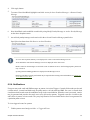
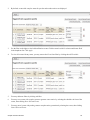
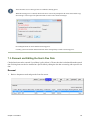
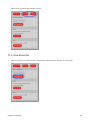
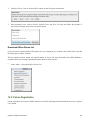
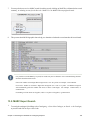
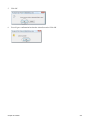
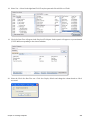
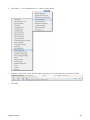
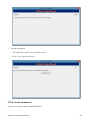
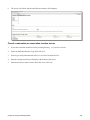
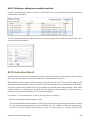
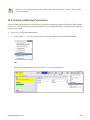
Click Save.
37.2.2. Create a Distribution
You must create a distribution to indicate:
• Which branches should receive copies of a serial.
• The number of copies that should be sent to each branch.
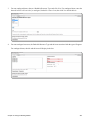
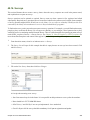
To create a distribution:
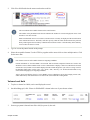
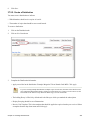
1.
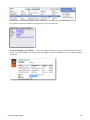
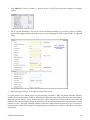
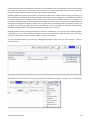
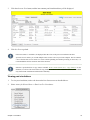
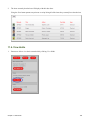
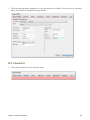
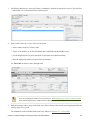
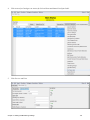
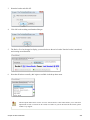
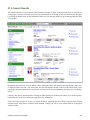
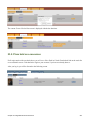
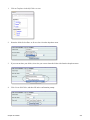
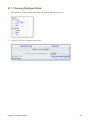
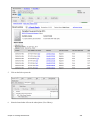
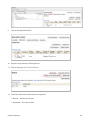
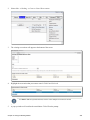
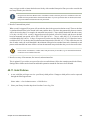
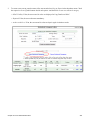
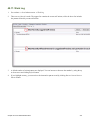
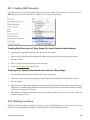
Click on the Distribution tab
2.
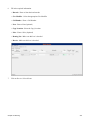
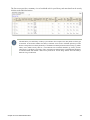
Click on New Distribution
3.
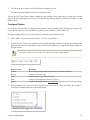
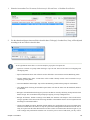
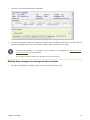
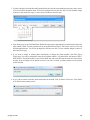
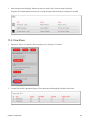
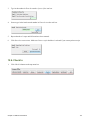
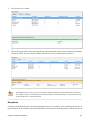
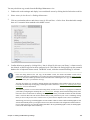
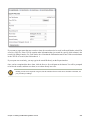
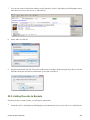
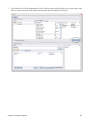
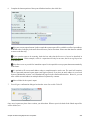
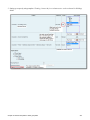
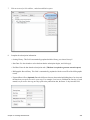
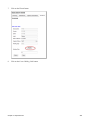
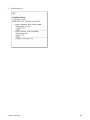
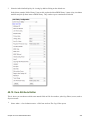
Complete the Distribution information.
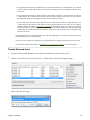
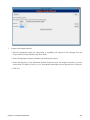
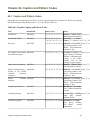
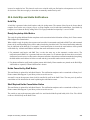
• Apply a new label to the distribution. Example: Magazine Title or Branch Code MPL. Click Apply.
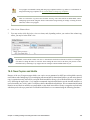
If you are creating multiple distributions (multiple copies of each issue) the name of the label becomes
more important. Multi branch libraries setting up a subscription at a system level will want to use the
branch code as the label to easily determine which copy is sent to each branch.
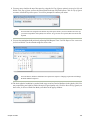
• The holding library is filled in by default and is the library to which you attached the subscription.
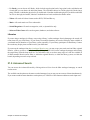
• Display Grouping should be set to Enumeration
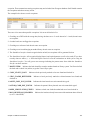
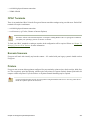
• Receive Unit Template: This is the template that should be applied to copies when they are received. Select
a template from the drop down menu and click Apply.
Chapter 37. Creating Serial Records
340