1
2.
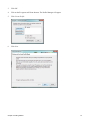
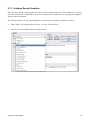
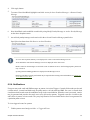
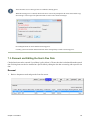
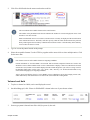
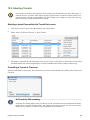
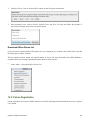
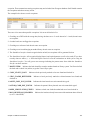
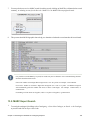
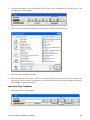
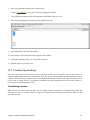
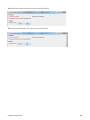
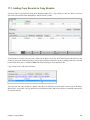
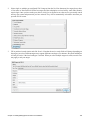
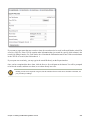
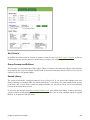
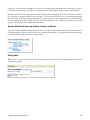
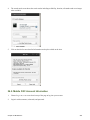
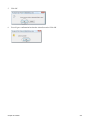
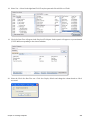
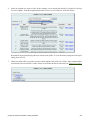
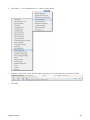
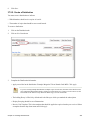
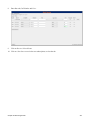
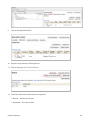
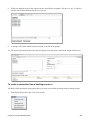
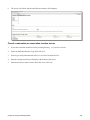
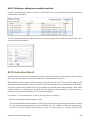
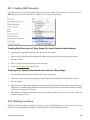
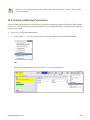
Go back to the above menu. Click Set Workstation Default to Current.
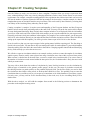
To clear the existing default click Clear Workstation Default.
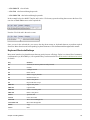
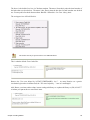
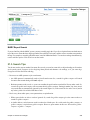
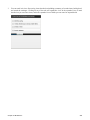
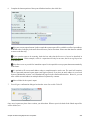
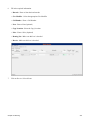
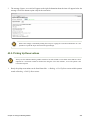
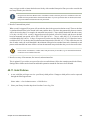
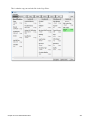
You can use the Toggle Hotkeys button, included in some toolbars, on top right corner, to switch your selected
Hotkeys for the current login session on or off. It has the same effect as when you click Disable Hotkeys on the
Hotkeys menu.
Configure Printers
Use the Printer Settings Editor to configure printer output for each workstation. If left unconfigured Evergreen will
use the default printer set in the workstation's operating system (Windows, OSX, Ubuntu, etc).
Evergreen printing works best if you are using recent, hardware-specific printer drivers.
1.
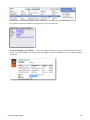
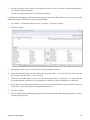
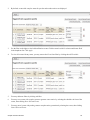
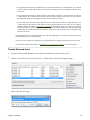
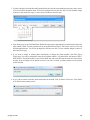
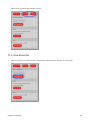
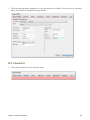
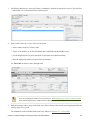
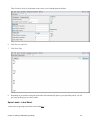
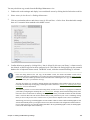
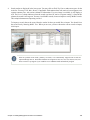
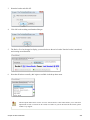
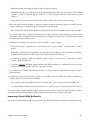
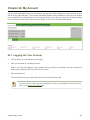
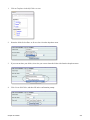
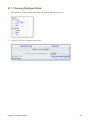
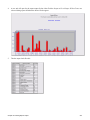
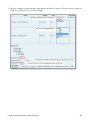
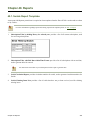
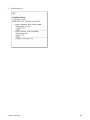
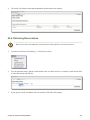
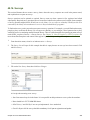
Select Admin → Workstation Administration → Printer Settings Editor.
2.
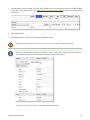
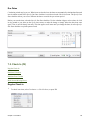
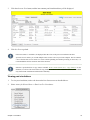
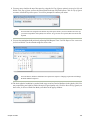
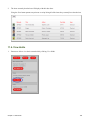
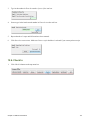
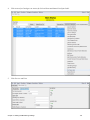
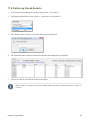
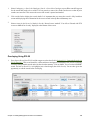
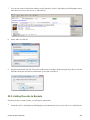
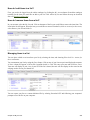
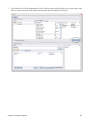
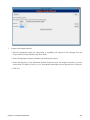
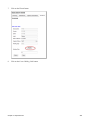
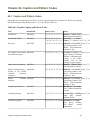
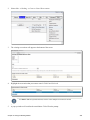
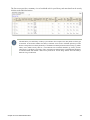
Select the Printer Context. At a minimum set the Default and Offline context on each Evergreen workstation.
Repeat the procedure for other contexts if they differ from the default (e.g. if spine labels should output to a
different printer).
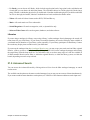
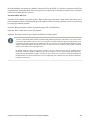
If the Offline context is not set receipts will not print when using the Offline Module.
3.
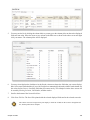
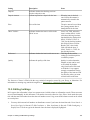
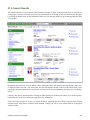
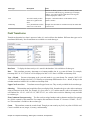
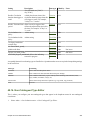
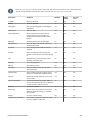
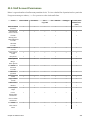
Printer Context
Description
Default
Default settings for staff client print functions (set for each workstation).
Receipt
Settings for printing receipts
Label
Printer settings for spine and pocket labels
Mail
Settings for printing mailed notices (not yet active)
Offline
Applies to all printing from the Offline Interface
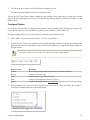
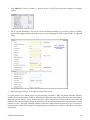
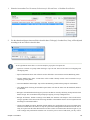
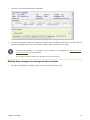
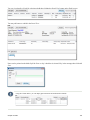
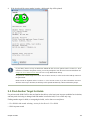
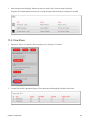
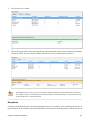
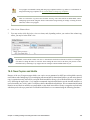
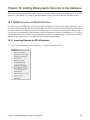
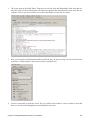
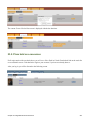
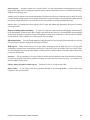
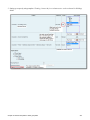
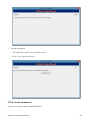
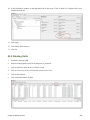
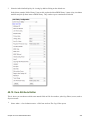
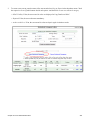
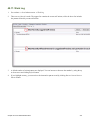
After choosing Printer Context click Set Default Printer and Print Test Page and follow the prompts. If
successful, test output will print to your chosen printer.
Chapter 5. Getting Started
24