1
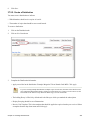
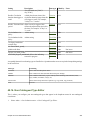
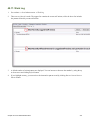
37.2.5. Pattern Code Wizard
1.
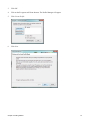
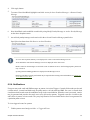
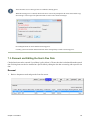
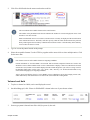
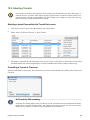
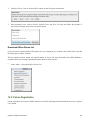
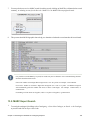
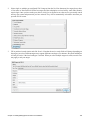
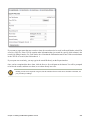
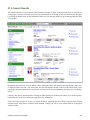
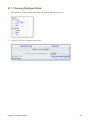
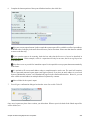
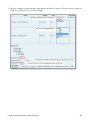
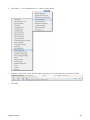
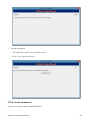
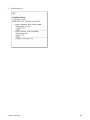
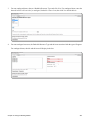
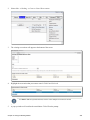
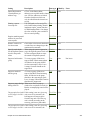
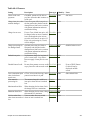
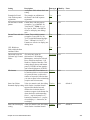
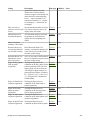
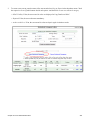
Click on the Pattern Code Wizard button.
2.
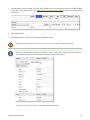
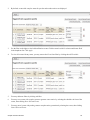
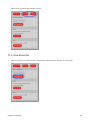
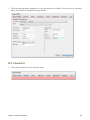
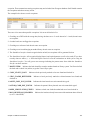
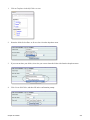
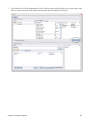
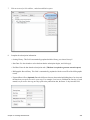
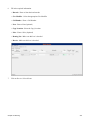
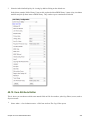
Enumerations:
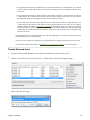
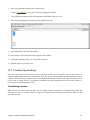
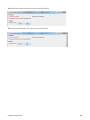
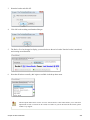
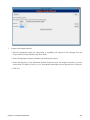
• To add an enumeration, check the box adjacent to Use enumerations?
• A field for the First level will appear. Enter the enumeration for the first level. A common first level
enumeration is volume,vol., or "v".
• Click Add Enumeration.
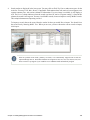
• A field for the second level will appear. Enter the enumeration for the second level. A common second level
enumeration is number, or “no.”
• Enter the number of bibliographic units per next higher level.
• Choose the enumeration scheme from the drop down menu.
3.
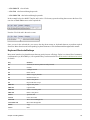
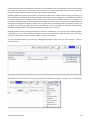
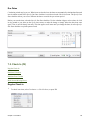
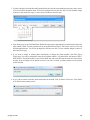
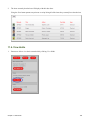
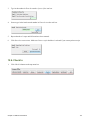
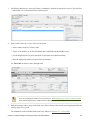
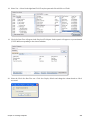
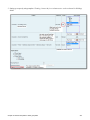
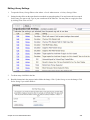
Calendar:
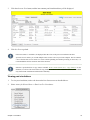
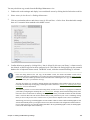
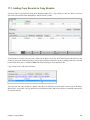
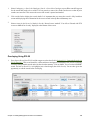
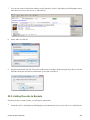
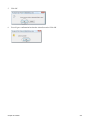
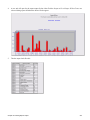
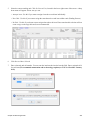
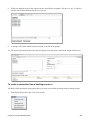
• To use months, seasons, or dates in your caption, check the box adjacent to Use calendar changes?
• Identify the point in the year at which the highest level enumeration caption changes.
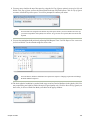
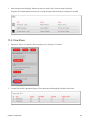
• In the Type drop down menu, select the points during the year at which you want the calendar to restart.
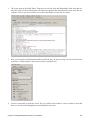
• In the Point drop down menu, select the specific time at which you would like to change the calendar.
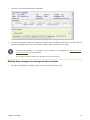
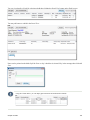
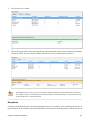
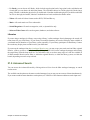
• To add another calendar change, click Add Calendar Change. There are no limits on the number of calendar
changes that you can add.
Chapter 37. Creating Serial Records
343