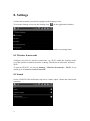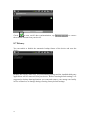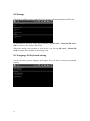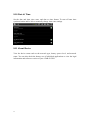
1
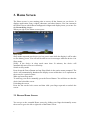
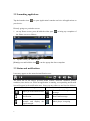
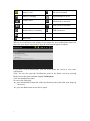
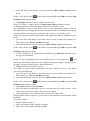
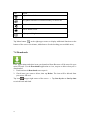
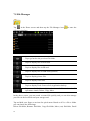
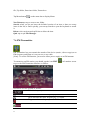
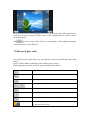
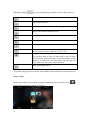
Battery is full SD card is mounted Battery is charging FM transmitter is in use Volume down Volume up Media scanner is scanning Silent mode is activated GPS search for satellites USB Connected Back Menu icon Open notification panel When a new notification icon displays in the status bar, press and hold the status bar, then slide your finger downward to open the Notifications panel as follows: If you have several notifications, you can scroll down the screen to view more notifications. [Tip]: You can also open the Notifications panel on the Home screen by pressing Menu icon on the panel and then tapping Notifications. Close the Notifications panel Do one of the following: press and hold the bottom bar of the Notifications panel, then slide your finger up the screen. press the Back button on the device panel. 7