1
Technical Manual | Alarms
8.4.1.6
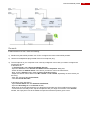
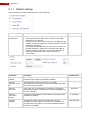
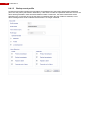
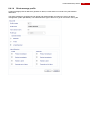
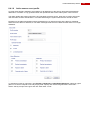
Active sensor event profile
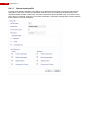
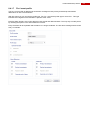
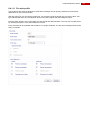
A normal event profile is defined to send alarms for all detections to the primary and backup transmission
destination. This alarm is only generated when the operational state of the video system is set to armed.
This alarm profile also triggers input I201, thus activating the active sensor. Input I201 is used to inform the
user that some sensors are still active. This will avoid arming the system while sensors are still in alarm.
Furthermore, the alarm transmission will be repeated every 15 minutes as long as the alarm is sustained.
When the end of alarm is detected, a new alarm message will be send to indicate that the alarm is no longer
sustained.
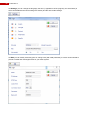
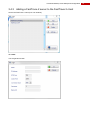
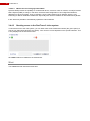
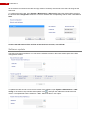
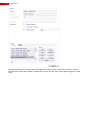
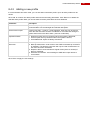
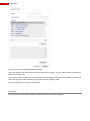
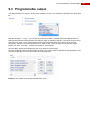
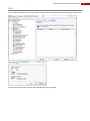
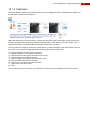
To activate an output on input I201, open System > Behaviour > Input/Output behaviour, select an output
(filter on On the box outputs to see only the physical outputs) and choose Programmable. Select I201 –
Sensor Activity as input with Logics and click „Add‟ under “Tools”.
143