1
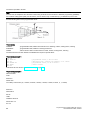
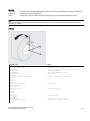
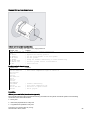
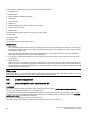
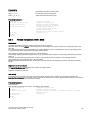
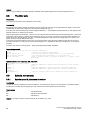
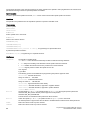
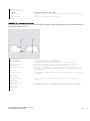
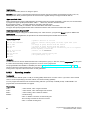
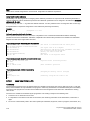
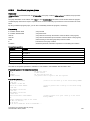
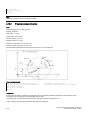
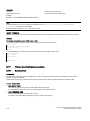
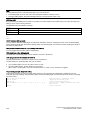
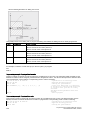
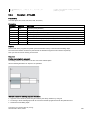
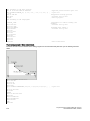
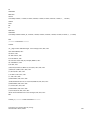
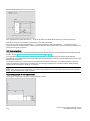
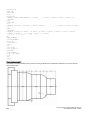
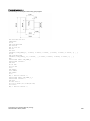
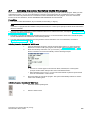
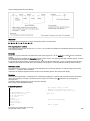
N10 G0 G90 T11 D1
N20 G17 X30 Y35 Z40
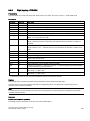
N30 CYCLE84(40, 36, 2, , 30, , 3, 5, , 90, 200, 500, 3, 0,
0,0, ,0.00000)
N40 M02
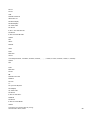
; Specification of technology values
; Approach drilling position
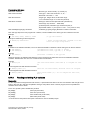
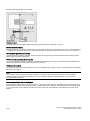
Cycle call; parameter PIT has been omitted; no value is entered for the absolute
depth or the dwell time; spindle stop at
90 degrees; speed for tapping is 200,
speed for retraction is 500
; End of program
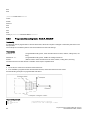
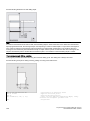
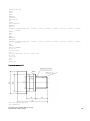
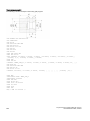
Programming example 2
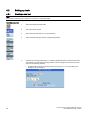
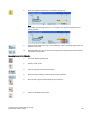
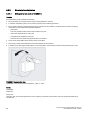
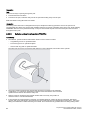
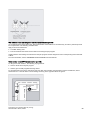
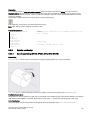
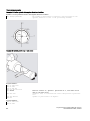
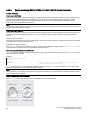
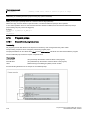
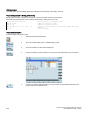
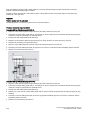
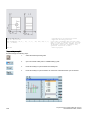
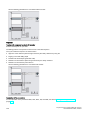
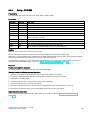
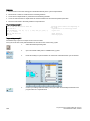
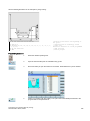
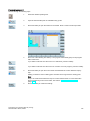
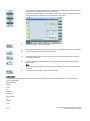
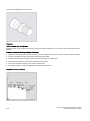
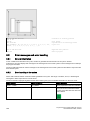
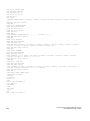
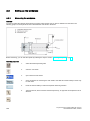
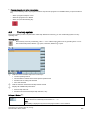
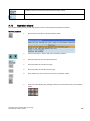
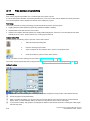
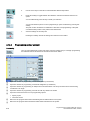
Proceed through the following steps:
138
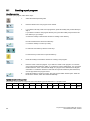
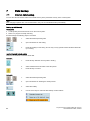
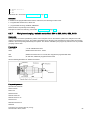
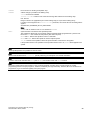
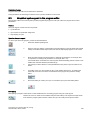
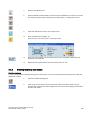
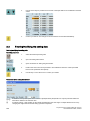
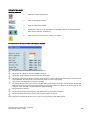
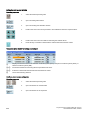
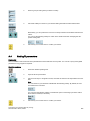
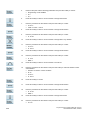
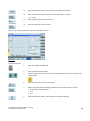
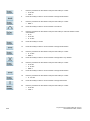
1.
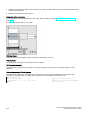
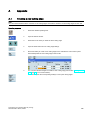
Select the desired operating area.
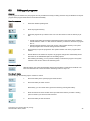
2.
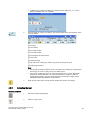
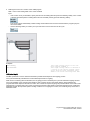
Open the vertical softkey bar for available drilling cycles.
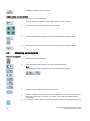
3.
Press this softkey to open the lower-level softkey bar.
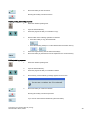
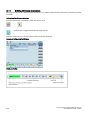
4.
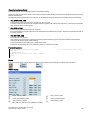
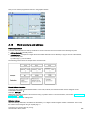
Press this softkey to open the window for CYCLE84. Parameterize the cycle as desired.
Programming and Operating Manual (Turning)
6FC5398-5DP10-0BA3, 08/2015