1
Troubleshooting Problems
161
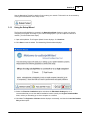
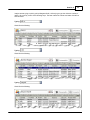
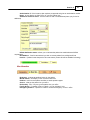
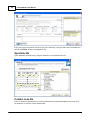
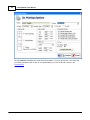
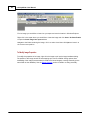
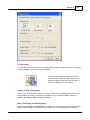
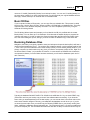
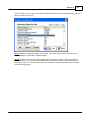
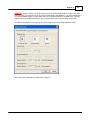
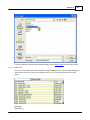
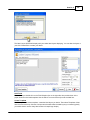
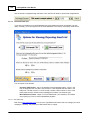
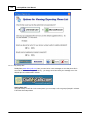
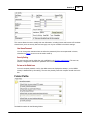
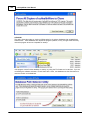
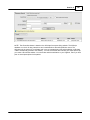
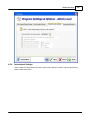
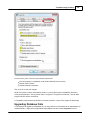
On this screen, place a check in each of these checkboxes:
Run this program in compatibility mode for Windows XP (service pack 2)
Disable Visual Themes
Disable Desktop Composition
Then click OK to save the changes.
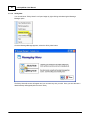
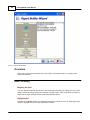
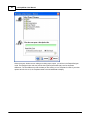
NOTE: If this does not work and problems remain, try running the Program Compatibility Wizard by
clicking the Start button, clicking Control Panel > Programs > Programs and Features > Use an older
program with this version of Windows
If compatibility mode and the wizard does not solve the problem, contact Tech Support for further help.
Upgrading Database Fails
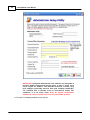
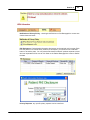
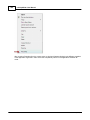
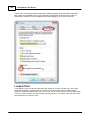
If your attempts to upgrade your database fail, you may need to run the software as an Administrator (in
Vista/Windows7). Right-click the application ezScriptWriter.exe and choose Properties from the
© 2011 Iccomplish, Inc