1
September 2003
Installation, Activation and Registration
3.2 Activation and Registration
After installing WYSIWYG, you will need to activate and register the software
before you can start using it.
Activating and registering WYSIWYG software
Activating the WYSIWYG software involves entering a 10-digit activation code.
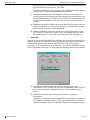
Registering the software involves entering a validation code.
To activate
WYSIWYG
1
Run WYSIWYG.
2
If you have purchased a new box product containing a new version dongle
skip to step 7.
3
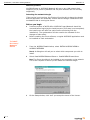
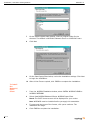
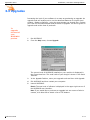
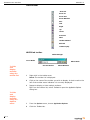
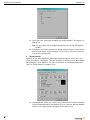
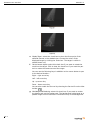
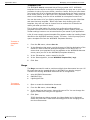
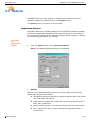
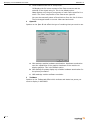
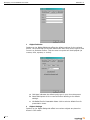
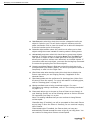
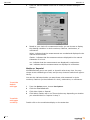
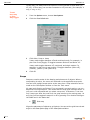
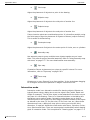
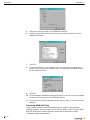
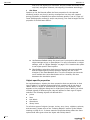
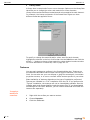
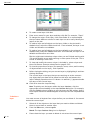
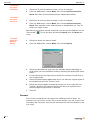
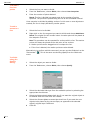
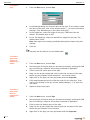
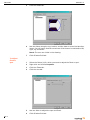
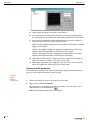
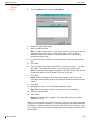
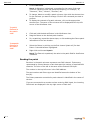
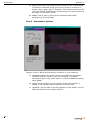
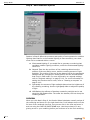
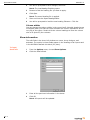
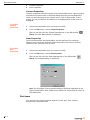
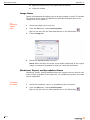
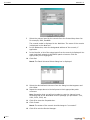
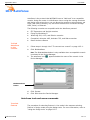
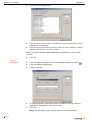
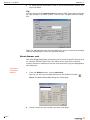
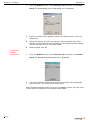
If you previously owned WYSIWYG 3.5 and have upgraded to the new
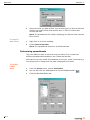
version of the product, the first window that appears is the WYSIWYG
Upgrade dialog box.
The code you enter in this dialog will enable your old dongle to function
with the new version of WYSIWYG.
Reference Guide
4
Enter your upgrade code and click Upgrade.
5
If you upgraded to WYSIWYG Report continue to step 7.
6
If you upgraded to a higher level product - Design or Perform - skip to “To
register WYSIWYG” on page 3.2-2.
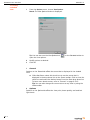
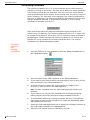
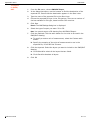
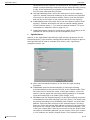
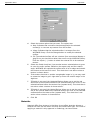
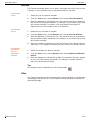
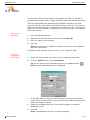
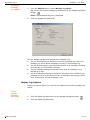
7
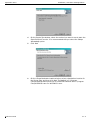
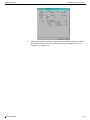
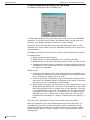
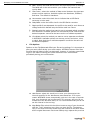
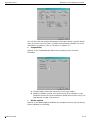
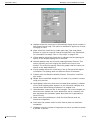
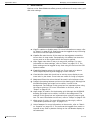
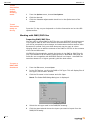
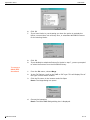
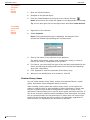
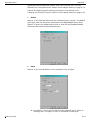
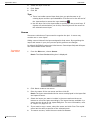
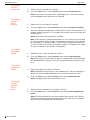
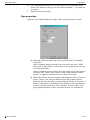
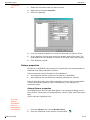
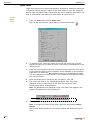
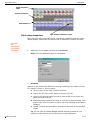
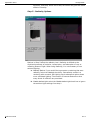
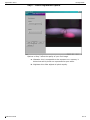
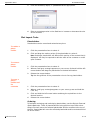
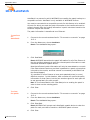
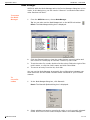
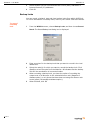
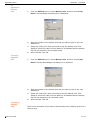
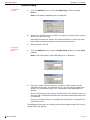
If you have purchased a new box product containing a new version dongle
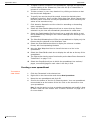
or have upgraded from 3.5 to WYSIWYG Report, the Product activation
dialog box is displayed.
3.2-1