1
Library
District Library Advanced Search
To search for a library item by subject, grade level, author’s name, type of library item, standards,
key word, or a combination of those options, use the Advanced Search feature.
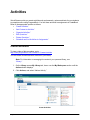
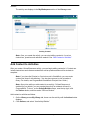
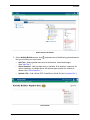
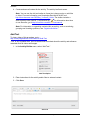
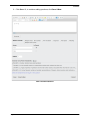
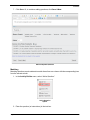
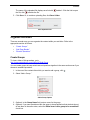
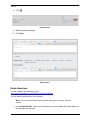
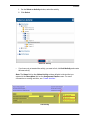
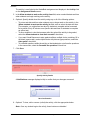
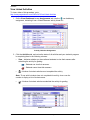
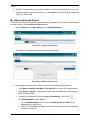
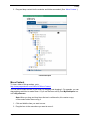
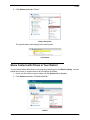
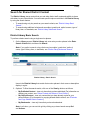
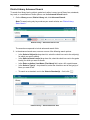
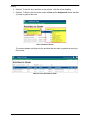
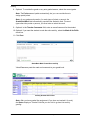
1. On the Library screen, District Library tab, click Advanced Search.
Note: To search using only key words as your search criteria, see “District Library
Basic Search.”
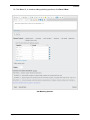
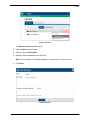
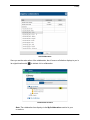
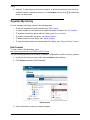
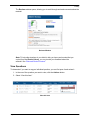
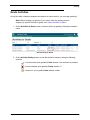
District Library – Advanced Search Link
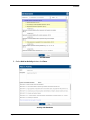
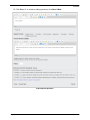
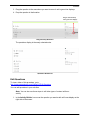
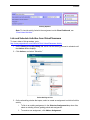
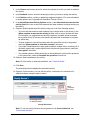
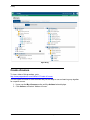
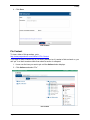
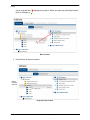
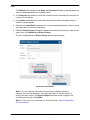
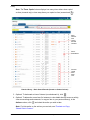
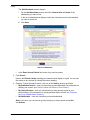
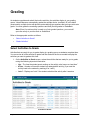
The search area expands to include advanced search fields.
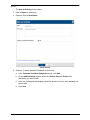
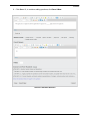
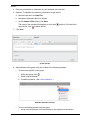
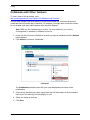
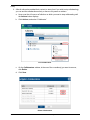
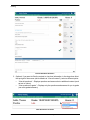
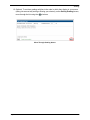
2. In the advanced search area, use one or more of the following search options:
•
In the Select a Subject(s) drop-down list, select the check box next to the subject(s)
for which you want to search.
•
In the Select a Grade Level(s) drop-down list, select the check box next to the grade
level(s) for which you want to search.
•
In the Enter an Author (Last Name, First Name) field, enter a full or partial name.
•
In the Select a Type(s) ... drop-down list, select the check box next to the type(s) of
items you want to find.
•
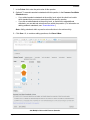
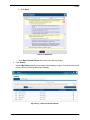
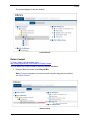
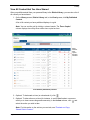
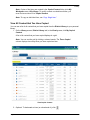
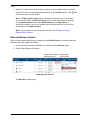
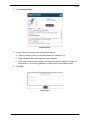
To search on a standard, next to the Select a Standard(s) ... field, click
.
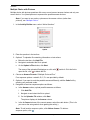
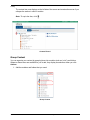
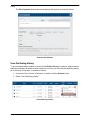
District Library – Advanced Search Area
ProgressBook VirtualClassroom Teacher Guide
63