1
7 ONLINE MODULE CHANGE
MELSEC-ST
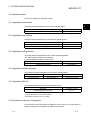
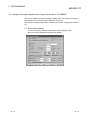
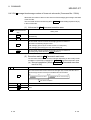
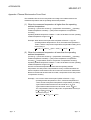
7.2 Preparations for Online Module Change
Prepare GX Configurator-ST when changing the ST1TD2 online.
Depending on the module failure status, the user parameter, command parameter and
user range setting's offset/gain setting values may not be saved into the head module.
Refer to Section 7.4.1 for the procedure used in the parameter setting or offset/gain
setting during an online module change.
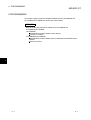
When GX Configurator-ST is unavailable, make the following preparations.
Failure to do so may not import the offset/gain setting values of user range setting and
others to the new module, if these settings cannot be saved into the head module.
(1) Command parameter
When GX Configurator-ST is unavailable, the command parameter must be set
by commands after an online module change is finished. Include a command
parameter setting program in the master station program.
Refer to Section 6.2.1 and Section 6.3 for the command parameter setting
program.
(2) Offset/gain setting values
When the user range setting is used and GX Configurator-ST is unavailable, the
offset/gain setting must be made by commands after completion of online module
change. Include an offset/gain setting program in the master station program.
Refer to Section 4.5 for the offset/gain setting program.
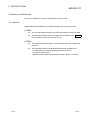
POINT
When GX Configurator-ST is unavailable, set the command parameter and
offset/gain setting values after the module has operated once by default.
REMARK
The preparations for the user parameter are not specially required since the values
set by the configuration software of the master station are written from the head
module.
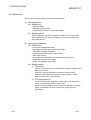
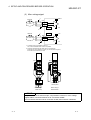
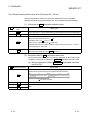
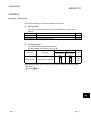
7.3 Disconnecting/Connecting the External Device for Online Module Change
Disconnect and connect the ST1TD2 external device according to the following.
(1) Disconnection
Power off the external device.
(2) Connection
Power on the external device.
7-3
7-3