1
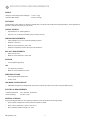
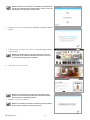
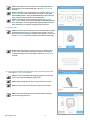
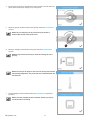
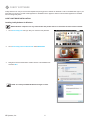
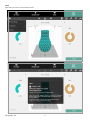
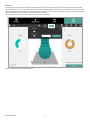
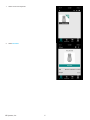
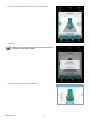
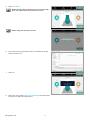
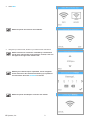
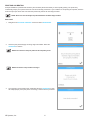
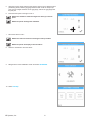
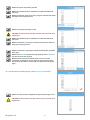
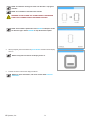
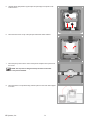
NOTE: The firmware will begin to install. The blue bar is a progress
indicator.
NOTE: The installation could take a few minutes.
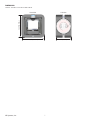
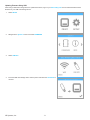
WARNING: DO NOT POWER OFF OR DISCONNECT THE PRINTER
FROM UTILITY POWER DURING THE UPDATE PROCESS.
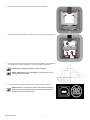
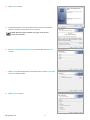
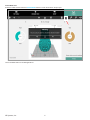
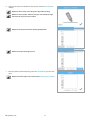
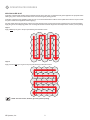
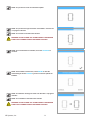
NOTE: If the firmware update fails. Select RETRY to attempt to install
the firmware again. Select CANCEL to stop the firmware update.
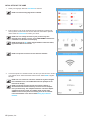
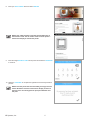
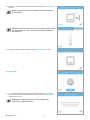
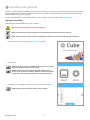
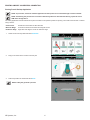
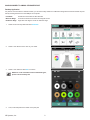
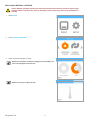
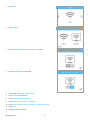
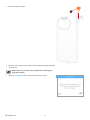
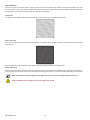
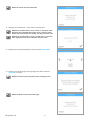
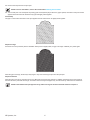
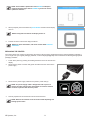
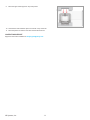
4. When prompted, press and release the power button and wait until the display
turns on.
NOTE: It may take a minute for the display to turn on.
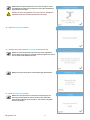
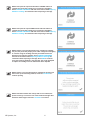
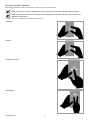
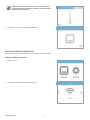
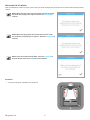
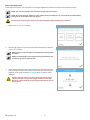
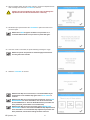
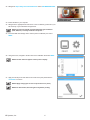
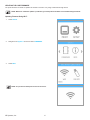
5. Perform the Auto Level and Auto Gap procedures.
NOTE: For more information, refer to the section titled Print Pad
Calibration.
3D Systems, Inc.
100