1
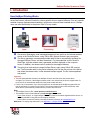
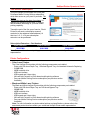
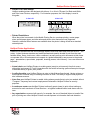
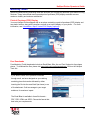
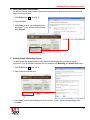
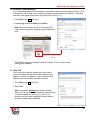
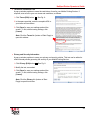
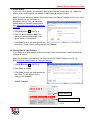
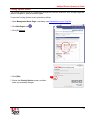
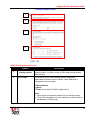
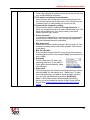
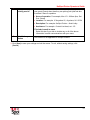
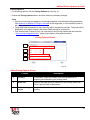
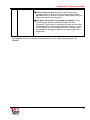
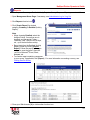
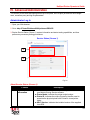
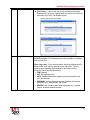
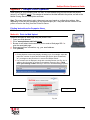
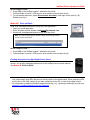
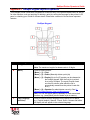
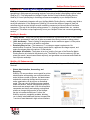
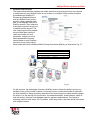
HotSpot Printer Operator’s Guide I. Introduction How HotSpot Printing Works A HotSpot Printer is a hardcopy output solution that enables mobile users to print documents securely across the Internet, without the need for a device-specific driver or special software. From any Internetenabled computer (laptop/notebook/desktop), cell phone or other wireless handheld device, HotSpot users can send files directly to the printer. How? It is very simple. Input Processing Output Documents, Web pages, email messages/attachments are sent from the Internet-enabled device to the PrinterOn Server, using 128-bit SSL (Secure Sockets Layer) encryption. The Server generates a compressed printable data file that is automatically formatted for the target HotSpot Printer, and then transmitted. For jobs submitted via the PrinterOn Web Page, a private release code is generated and then displayed on the computer screen. In addition, the release code is emailed to the supplied address. The print job is received by the target HotSpot Printer, again using 128-bit SSL encrypttion. The file resides safely in the printer hard disk drive until the user arrives at the printer and enters the release code, via the attached HotSpot keypad. The file is decompressed and printed. Important: • The print job downloads directly to the HotSpot Printer’s hard disk drive and remains there, encrypted, for 72 hours. If the assigned release code is not entered into the device keypad within 72 hours, the file is automatically deleted from the printer’s hard disk drive. • For the user’s convenience, up to five (5) reprints can be released at the HotSpot keypad, after the first job is printed, for a total of six (6) copies. The reprint function times out after 20 minutes, after which the file is automatically erased from the printer’s hard disk drive. Note: • The HotSpot Printer’s URL is www.printeron.net/ricoh/xxxxx. • The HotSpot Printer’s email address is [email protected]. - xxxxx is the unique 5- or 6-digit HotSpot Printer ID located on the labels supplied with the device, as well as the Mobile Printing Service subscription certificate. - Printer URLs can also be found by searching PrinterOn’s directory at www.printeron.com. Reference: For step-by-step instructions, see Appendix 1: HotSpot Printer Operation. 9