1
3. Getting Started
Digital Projection HIGHlite
Cine 260, 1080p 330 User Manual
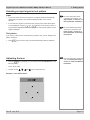
Adjusting the projected image
Notes
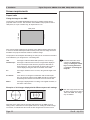
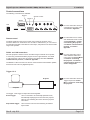
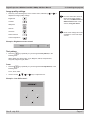
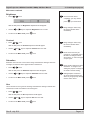
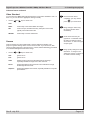
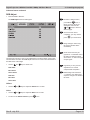
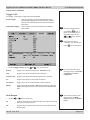
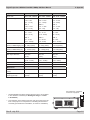
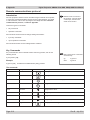
Aspect ratio
•
Press
ratio.
For more detailed information
about:
on the remote control until the image is displayed in the corect aspect
- using all the control keys
on the remote control or the
projector control panel,
- using the menus,
see section 4. of the User
Manual: Controlling the
projector.
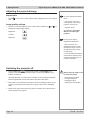
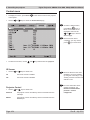
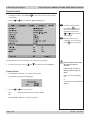
Image quality settings
•
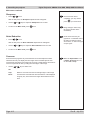
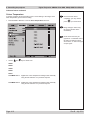
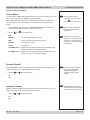
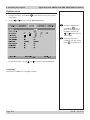
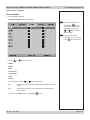
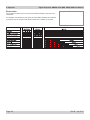
Press any of the following keys on the remote control, followed by
adjust these image quality settings:
and
, to
Brightness
Contrast
Sharpness
For the picture setting
adjustments shown here:
- after 5 seconds, if no
adjustment has been made,
the indicator will go out and
the adjustment key must be
pressed again.
- to end the adjustment before
5 seconds has elapsed, press
a different adjustment key, or
press the key again.
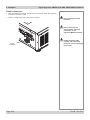
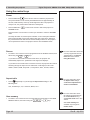
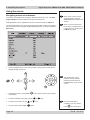
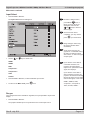
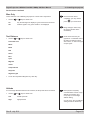
Switching the projector off
•
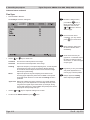
Press POWER OFF
on the remote control or POWER
on the
projector control panel, then press the button a second time to confirm your
intention to switch off.
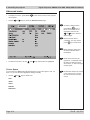
The lamp will switch off, and the power indicator on the control panel will flash
blue for approximately 30 seconds until the lamp has cooled down.
•
Wait until the power indicator has switched off and the standby indicator on the
projector control panel shows amber. The projector will now be in STANDBY
mode.
•
Switch off the power switch next to the power connection, then disconnect the
power cable from the projector.
Page 3.4
Always allow the lamp to cool
for 5 minutes before:
- disconnecting the power
- moving the projector
- changing the lamp
- cleaning the fans and filter
Rev B July 2011