1
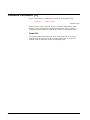
>if
>if
>if
>if
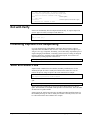
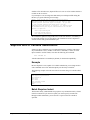
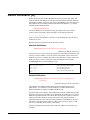
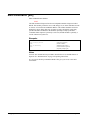
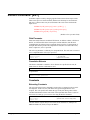
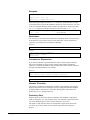
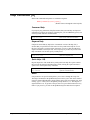
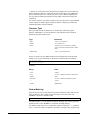
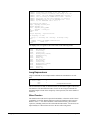
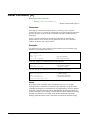
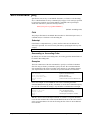
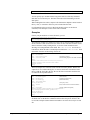
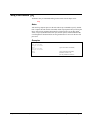
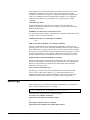
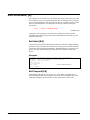
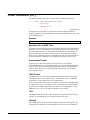
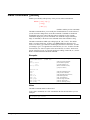
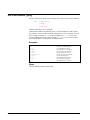
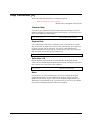
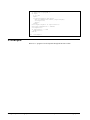
field=$date(2000/06-1/01)
field=$date(*/*/01)
field=$date(*/*-1/01)
field=$date(*/*-18/*)
{May 1, 2000}
{start of current year and month}
{start of last month}
{exactly eighteen months ago}
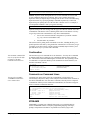
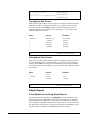
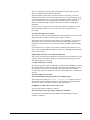
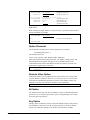
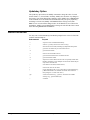
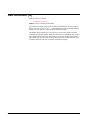
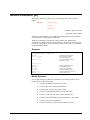
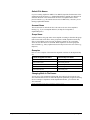
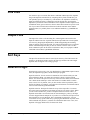
The day can be a specific number (e.g., 15), an asterisk "*" for the current day, the
word "first" for the first day of the month, or the word "last" for the last day of the
month. You cannot add or subtract relative days; use $today instead.
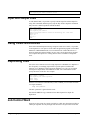
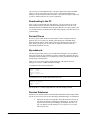
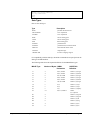
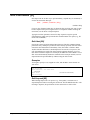
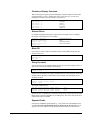
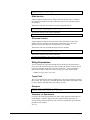
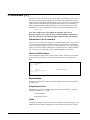
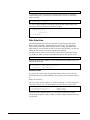
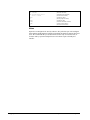
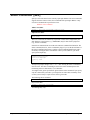
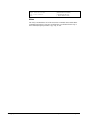
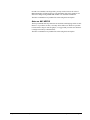
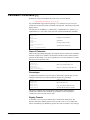
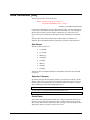
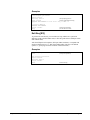
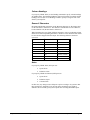
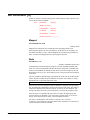
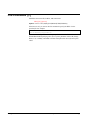
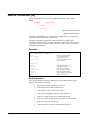
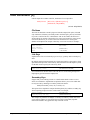
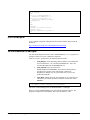
>if field=$date(2001/01/first)
>if field=$date(*/*/*)
>if field=$date(*/*-1/last)
{January 1, 2001}
{today's date}
{last day of previous month}
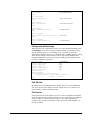
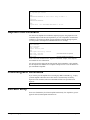
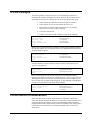
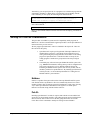
Combining these features makes it possible to generate batch jobs that require no
operator input. For example, to select all of the transactions for last month you would
use:
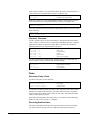
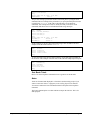
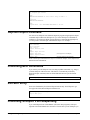
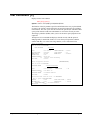
>item trans-date,date,phdate
>if trans-date >= $date(*/*-1/first) and &
trans-date <= $date(*/*-1/last)
Month End
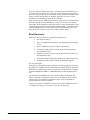
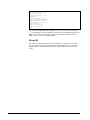
Suprtool is always expecting a valid date. Suppose that you have a month-end job
that contains the following If command:
>if field = $date(*/*-1/*)
When you run the job on May 31, 2000, if Suprtool were to use the literal
interpretation of $date(*/*-1/*), it would use the date April 31, 2000. In fact, there is
no such date; April has only 30 days. Whenever you specify * for the day, and the
day is greater than the last day of the month you specified, Suprtool uses the actual
last day of the month instead of the current day of the month. In our example,
Suprtool would use April 30, 2000. Suprtool will take leap years into account when
calculating the last day of February.
Today's Date
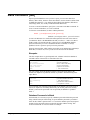
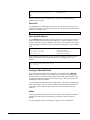
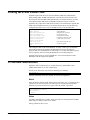
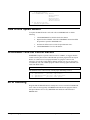
To select records based on today's date, use the following:
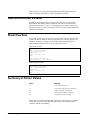
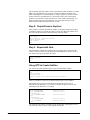
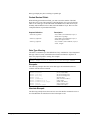
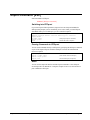
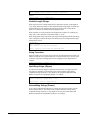
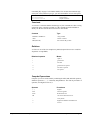
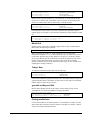
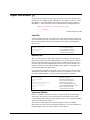
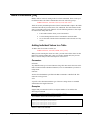
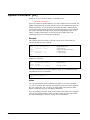
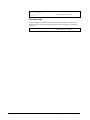
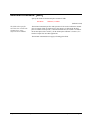
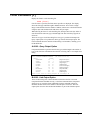
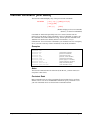
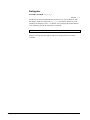
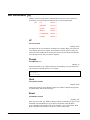
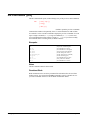
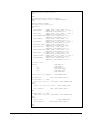
>if field=$today
>if field=$today(-1)
>if field=$today(+1)
{today's date}
{yesterday's date}
{tomorrow's date}
Use the Item command to qualify the field as a date. The $today function accepts one
optional argument which is the number of days before or after today. The maximum
number of days in either direction is 9999.
yymmdd and Beyond 1999
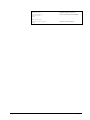
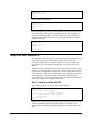
Because dates spanning the turn of the century will not collate properly for the
yymmdd form, you need to use $stddate to compare these dates.
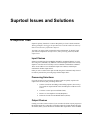
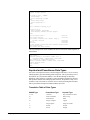
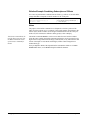
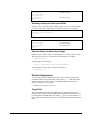
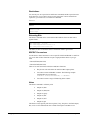
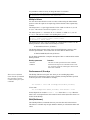
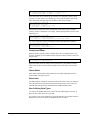
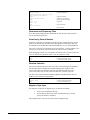
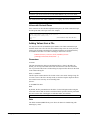
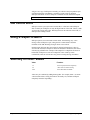
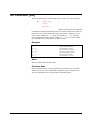
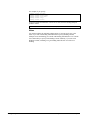
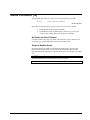
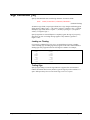
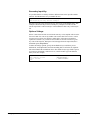
>item ship-date,date,yymmdd
>if ship-date < $date(2000/12/31)
>if $stddate(ship-date) < $date(2000/12/31)
{will not work}
{will work}
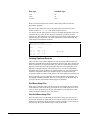
Finding Invalid Dates
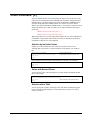
Use the $invalid function to find invalid dates. An invalid date is a number in a date
format whose date equivalent cannot be found on a calendar. For example, a month
value of 99 would be considered invalid.
Suprtool 4.4 for HP e3000: Suprtool
Suprtool Commands • 155