1
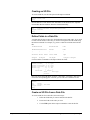
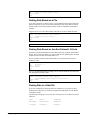
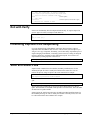
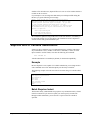
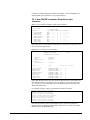
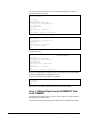
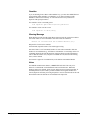
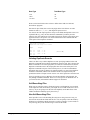
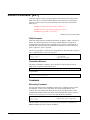
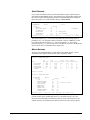
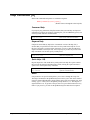
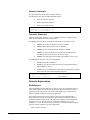
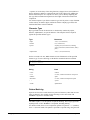
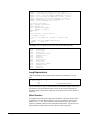
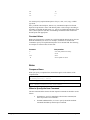
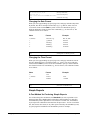
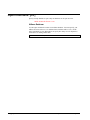
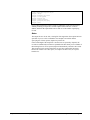
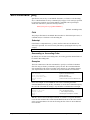
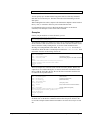
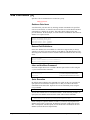
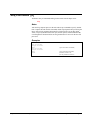
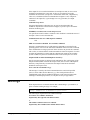
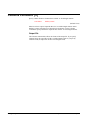
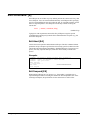
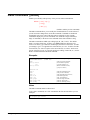
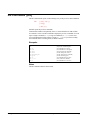
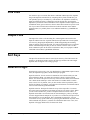
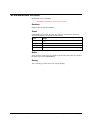
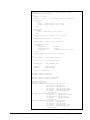
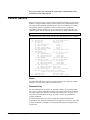
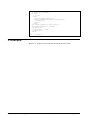
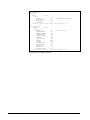
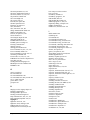
>get
>ext
>ext
>ext
>ext
>out
>xeq
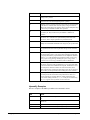
d-sales
product-no
product-price
purch-date
sales-qty
dsales
{input is from a dataset}
{first field in the range}
{last field in the range}
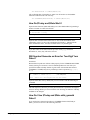
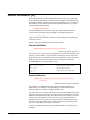
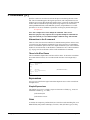
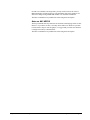
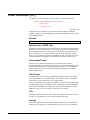
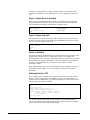
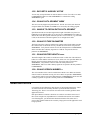
Extracting a Range of Subscripted Fields
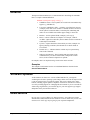
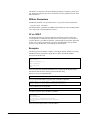
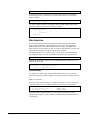
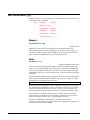
Suprtool accepts a subscript on either field in a range. You can even use this feature
to extract a range from a single field. For example, if sales-amt is a 12J2 field:
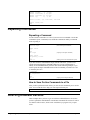
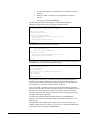
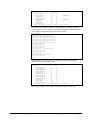
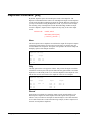
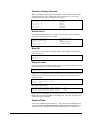
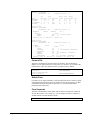
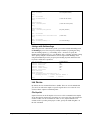
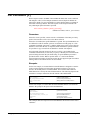
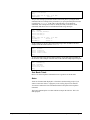
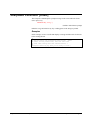
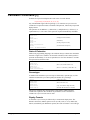
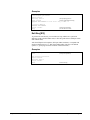
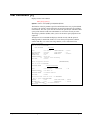
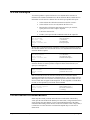
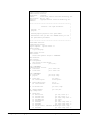
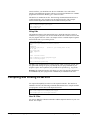
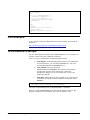
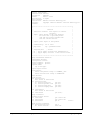
>get d-sales
>ext sales-amt(4)\sales-amt(6)
>out dsales
>xeq
{input is from a dataset}
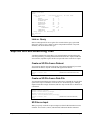
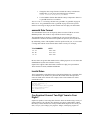
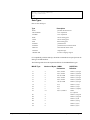
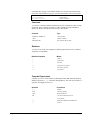
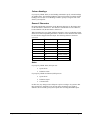
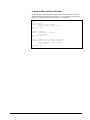
is equivalent to:
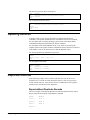
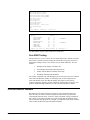
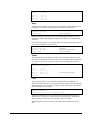
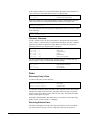
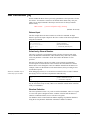
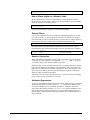
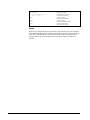
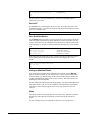
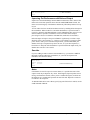
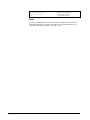
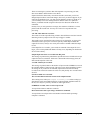
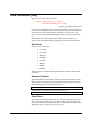
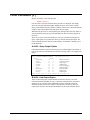
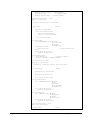
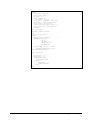
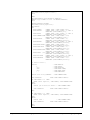
>get
>ext
>ext
>ext
>out
>xeq
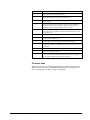
d-sales
sales-amt(4)
sales-amt(5)
sales-amt(6)
dsales
{input is from a dataset}
{first subscripted field}
{intermediate subfield}
{last subscripted field}
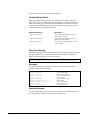
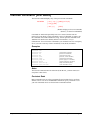
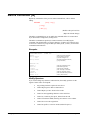
Alternate Syntax for Extracting a Range
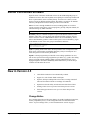
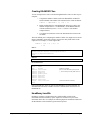
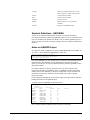
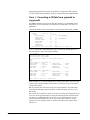
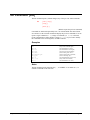
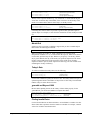
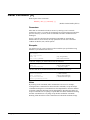
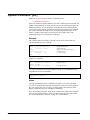
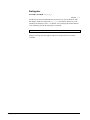
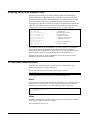
Suprtool accepts a slash "/" in place of the backslash "\" to specify a range. Use the
slash with care, because it is a valid character in field names. For example,
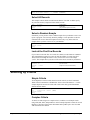
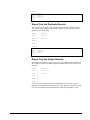
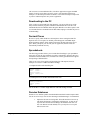
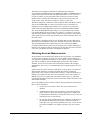
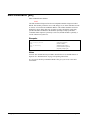
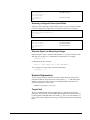
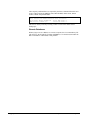
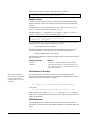
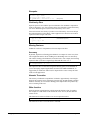
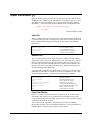
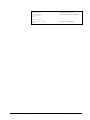
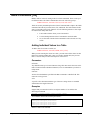
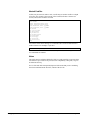
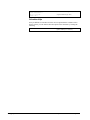
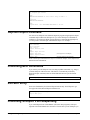
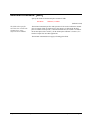
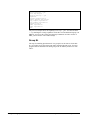
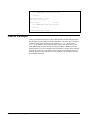
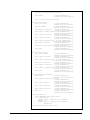
>extract a/b
would produce the error message:
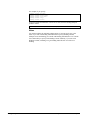
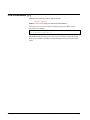
Error:
Item "A/B" not in the database...
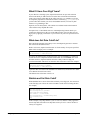
To use a slash in an extract range, surround it with spaces:
>extract a / b
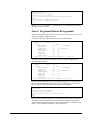
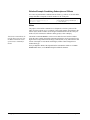
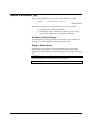
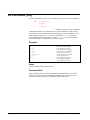
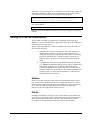
Numeric Expressions
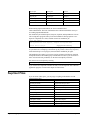
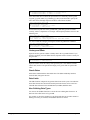
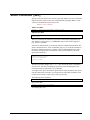
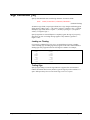
You can specify arithmetic expressions for any numeric data-type in the Extract
command. Arithmetic expressions involve the operators +, -, *, / and mod. Extract
arithmetic expressions work exactly as If command arithmetic expressions. To
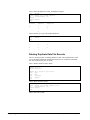
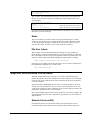
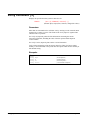
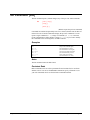
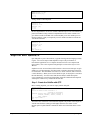
extract an expression, use this syntax,
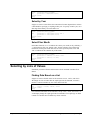
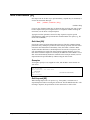
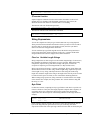
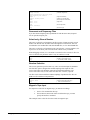
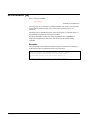
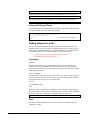
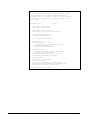
EXTRACT target-field = expression
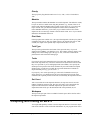
Target-Field
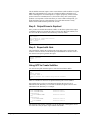
The target-field determines the byte-length, data-type, and repeat-count for the
expression. The expression is extracted during the output phase and cannot be used
by other Suprtool commands that accept fields (e.g., sort). To avoid confusion, it is
best to define a new field name for the target-field instead of using an existing field
name.
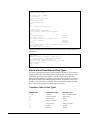
Suprtool 4.4 for HP e3000: Suprtool
Suprtool Commands • 127