1
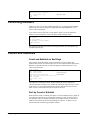
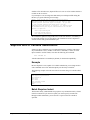
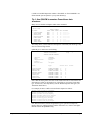
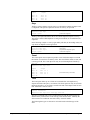
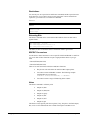
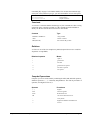
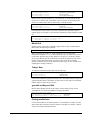
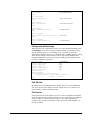
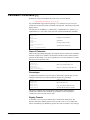
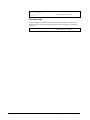
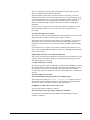
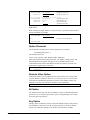
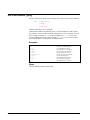
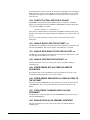
=2745*1.33
Result= 3650.85
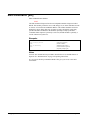
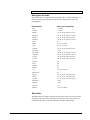
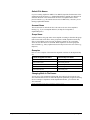
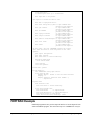
Example Database
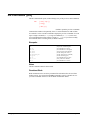
The examples in this manual use the revised STORE database described in the
IMAGE/3000 Handbook.
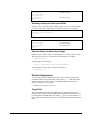
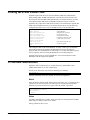
Prompting for Search Criteria
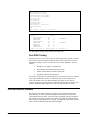
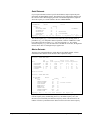
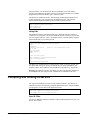
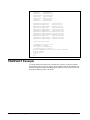
In the Change, Delete, List and Modify commands, Dbedit first prompts you for
search criteria and then processes the records you have selected. Search criteria
are any or all of the search and sort fields of the file. Dbedit asks for the value of the
primary search field first, unless you override the prompt ordering with the KEY
option. For detail datasets, it then asks for match values for the other search fields
and sort fields. You may press the Return key to any of these prompts to indicate that
you don't care what values these fields have.
When Dbedit finishes processing the records you select, it recycles and prompts you
for the next set of search criteria. You may press the Return key at this point to exit
from the command and return to the # prompt.
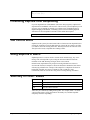
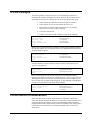
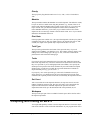
Command Parameters
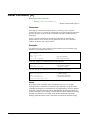
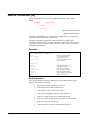
The major commands (File, List, Add, Delete, Modify, and Change) have a similar
parameter structure, consisting of the command name, then an optional file part and
an optional option part. A space separates the file part from the command name, and
a semicolon separates the option part from the file part. The general format of these
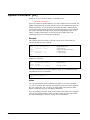
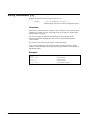
commands is
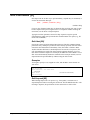
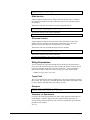
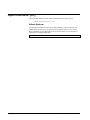
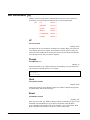
#command [file] [;options]
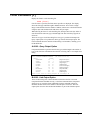
File Parameter
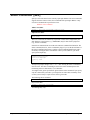
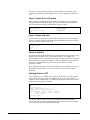
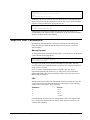
The file parameter consists of an IMAGE/3000 dataset name followed by an optional
list of field names. If the file part is missing, Dbedit uses the previous file. The
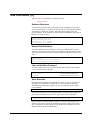
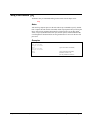
general format of the file parameter is
#command [file] [:fieldname,...]
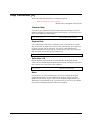
Even when you use field names, Dbedit will add the search fields to the field list. In
the Add command, Dbedit assumes default values for noncritical fields that are
missing, but will prompt for the search fields and sort fields (they are required).
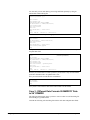
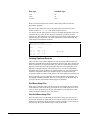
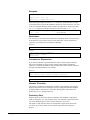
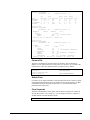
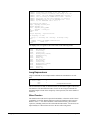
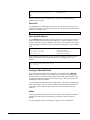
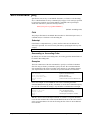
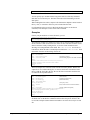
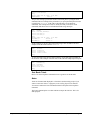
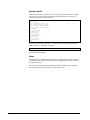
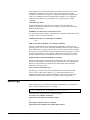
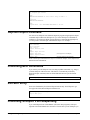
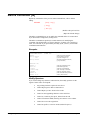
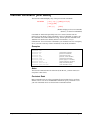
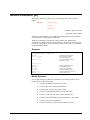
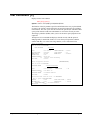
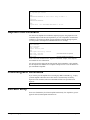
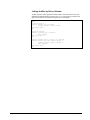
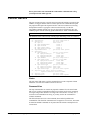
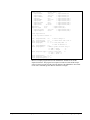
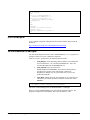
#add d-inventory:bin-no
SUPPLIER-NAME >STD Ribbons
PRODUCT-NO >105391
BIN-NO >10
{assume defaults for all but BIN-NO}
In this case you will not be prompted for LAST-SHIP-DATE, ON-HAND-QTY, or
UNIT-COST.
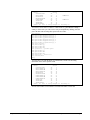
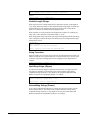
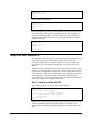
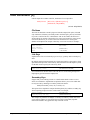
In the Modify command, you can specify a set of fields to modify. Dbedit will not
prompt you for new values for any other fields. For example:
Suprtool 4.4 for HP e3000: Database Editing
Dbedit Commands • 305