1
Digital Projection M-Vision
Cine 230, Cine 260, Cine 400 User Manual
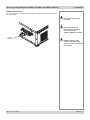
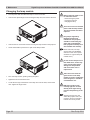
Cleaning the fans
5. Maintenance
Notes
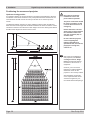
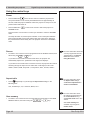
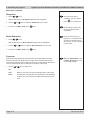
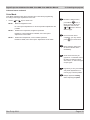
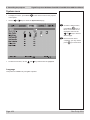
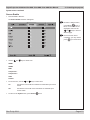
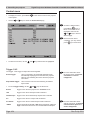
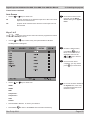
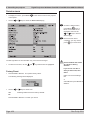
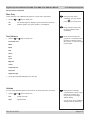
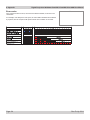
• Turn the power OFF and wait until the fans stop.
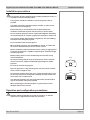
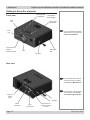
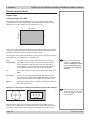
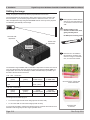
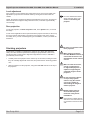
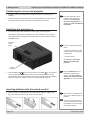
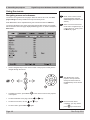
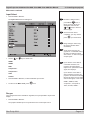
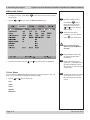
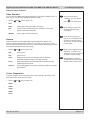
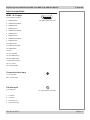
• Use a vacuum cleaner to clean the inlet and outlet fans, as shown below.
Always switch the projector
OFF before cleaning the fans.
Always allow the lamp to cool
for 5 minutes before:
- disconnecting the power
- moving the projector
- changing the lamp
The fans should be cleaned
regularly:
• In a clean environment such as
an office, after 500 hours.
• In a dusty or smoky
environment such as a theatre
or public area, more frequent
cleaning may be necessary.
Rev E July 2014
Page 5.3