1
Chapter 4
Cable Connections and Communication
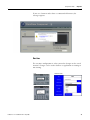
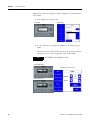
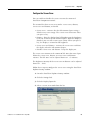
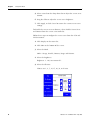
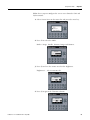
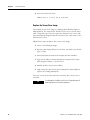
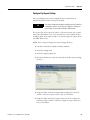
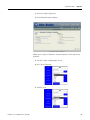
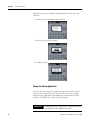
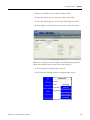
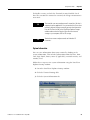
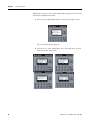
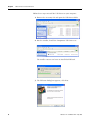
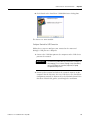
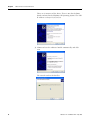
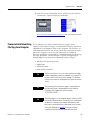
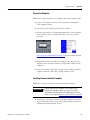
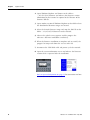
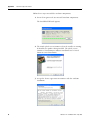
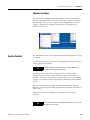
Follow these steps to install the USB driver on your computer.
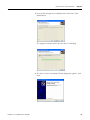
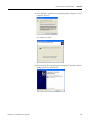
1. Browse the Accessory CD and open the USB Driver folder.
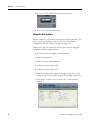
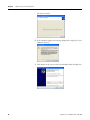
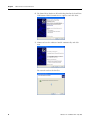
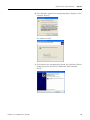
2. Run the installer, PanelView Component USB Driver.exe.
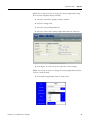
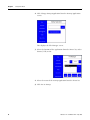
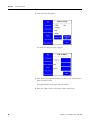
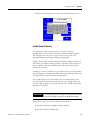
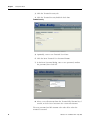
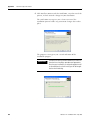
The installer extracts and runs an Install Shield Wizard.
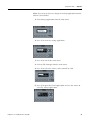
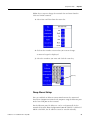
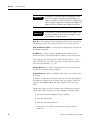
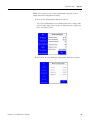
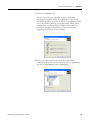
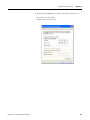
3. The Welcome dialog box appears, click Next.
58
Publication 2711C-UM001A-EN-P - May 2008